
iPhone app coming soon
A recipe app
doesn't know you lift.
A training app doesn't know what you ate. Platable puts your meals and your training on one plan.
Free to start. Pro is $4.99/month or $49.99/year, with a 7-day free trial.
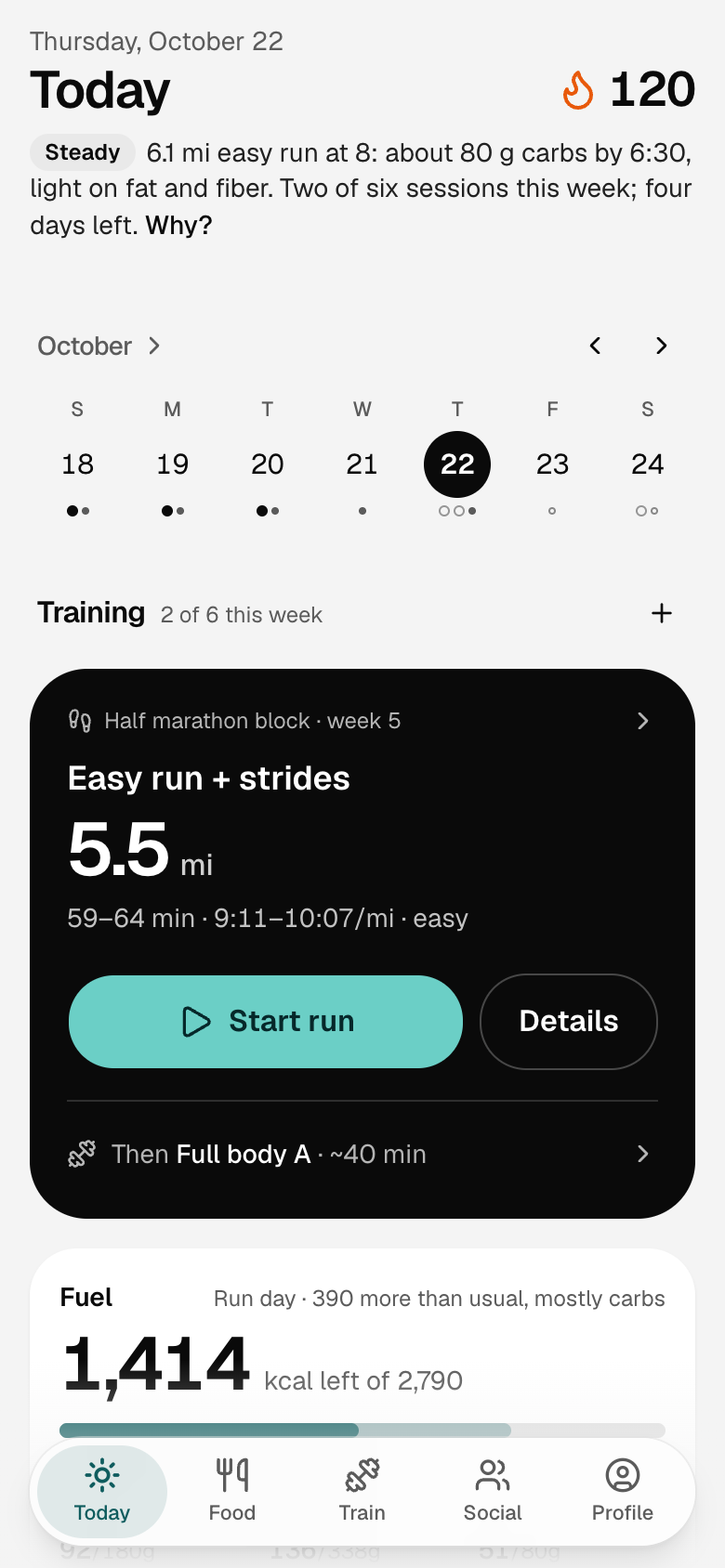
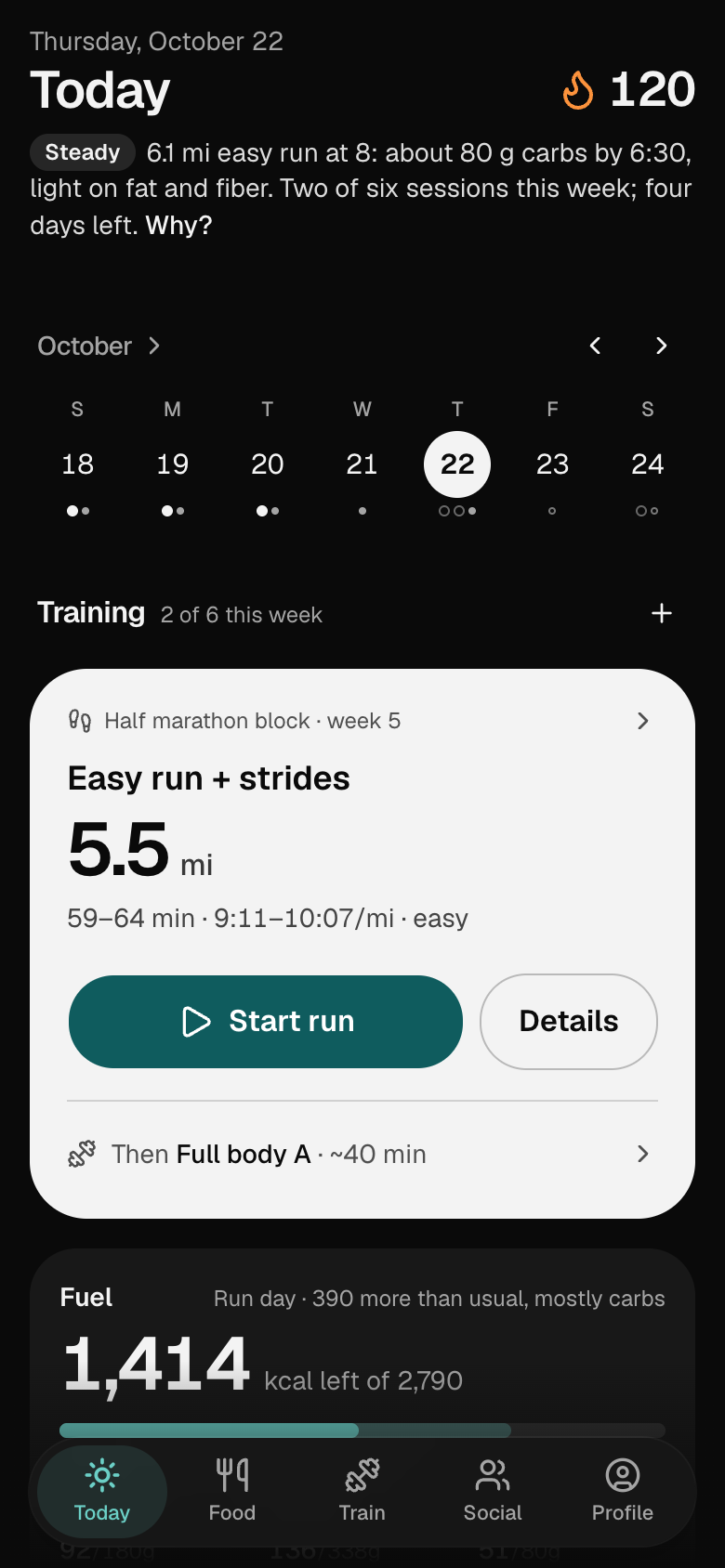
Your meals live in one app.
Your training lives in another.
Platable knows both.
Targets that move with the day's training. A dinner that fits the day's run. One list for the week. A coach that writes today. A Sunday that closes the week.
Every day
It says what it sees.
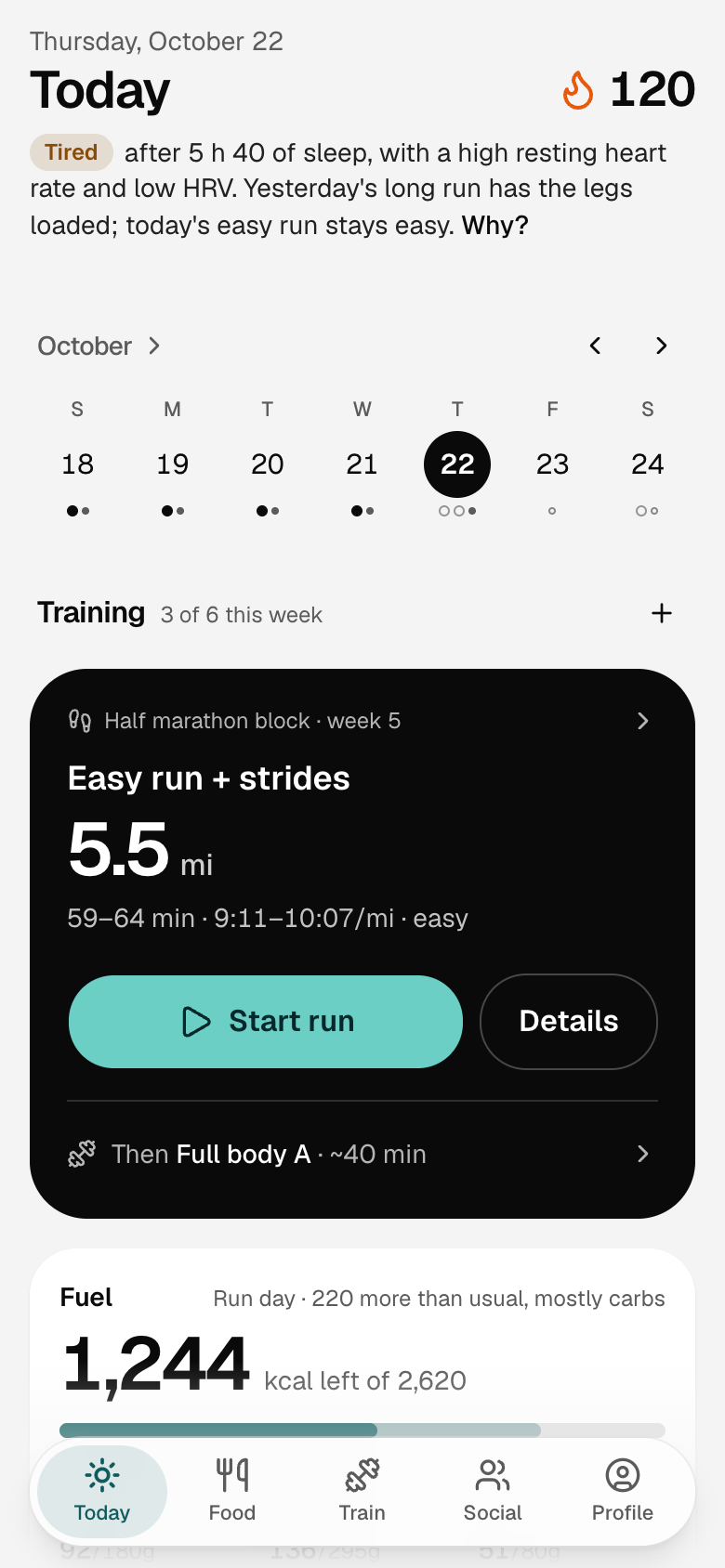
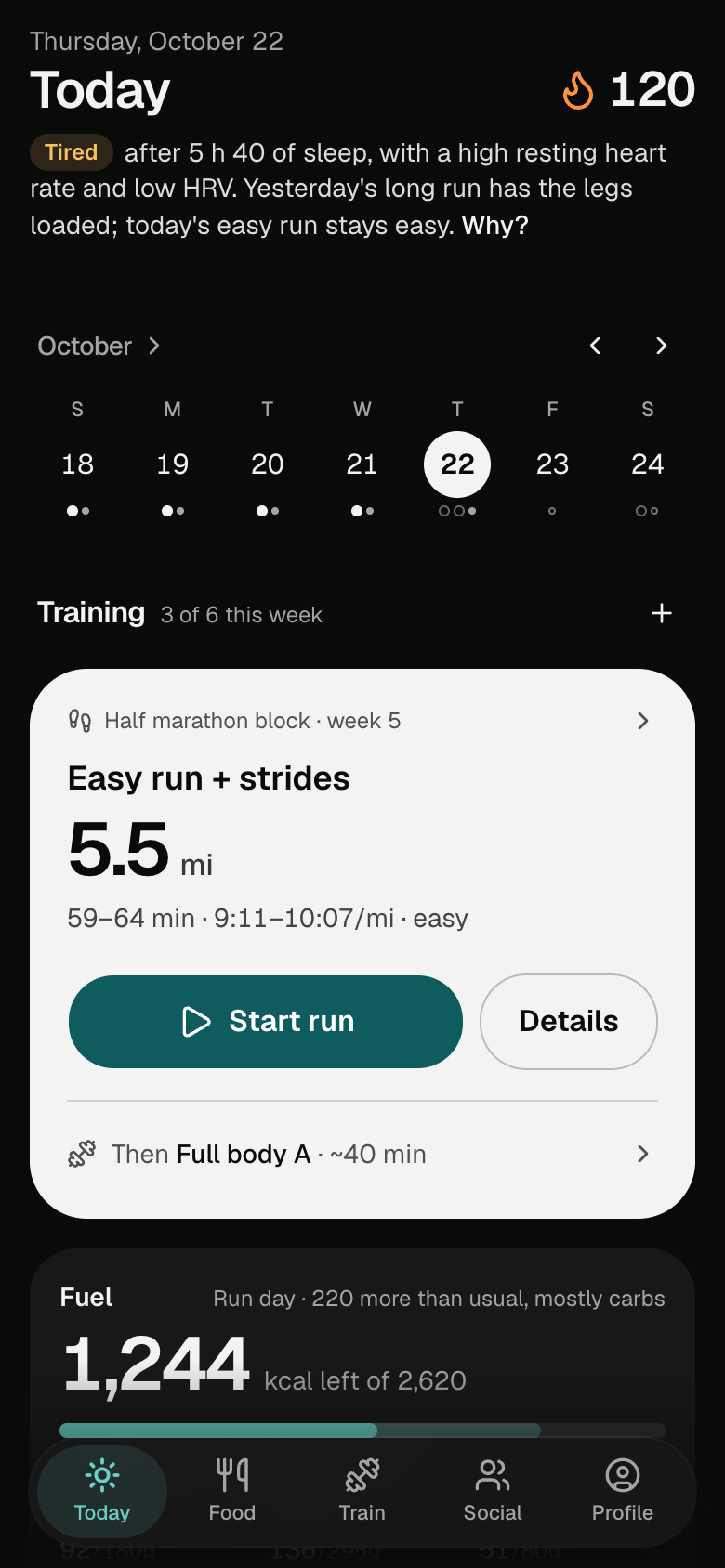
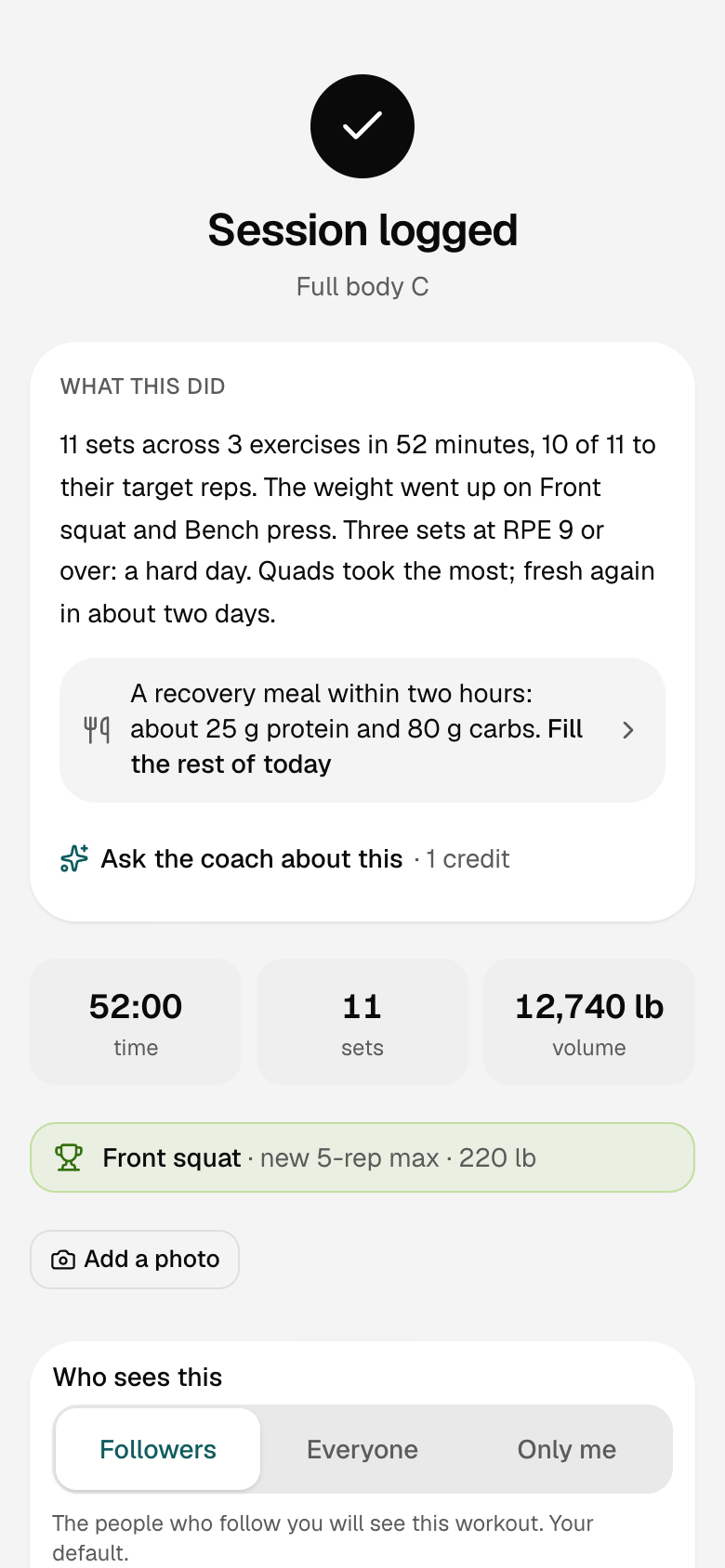
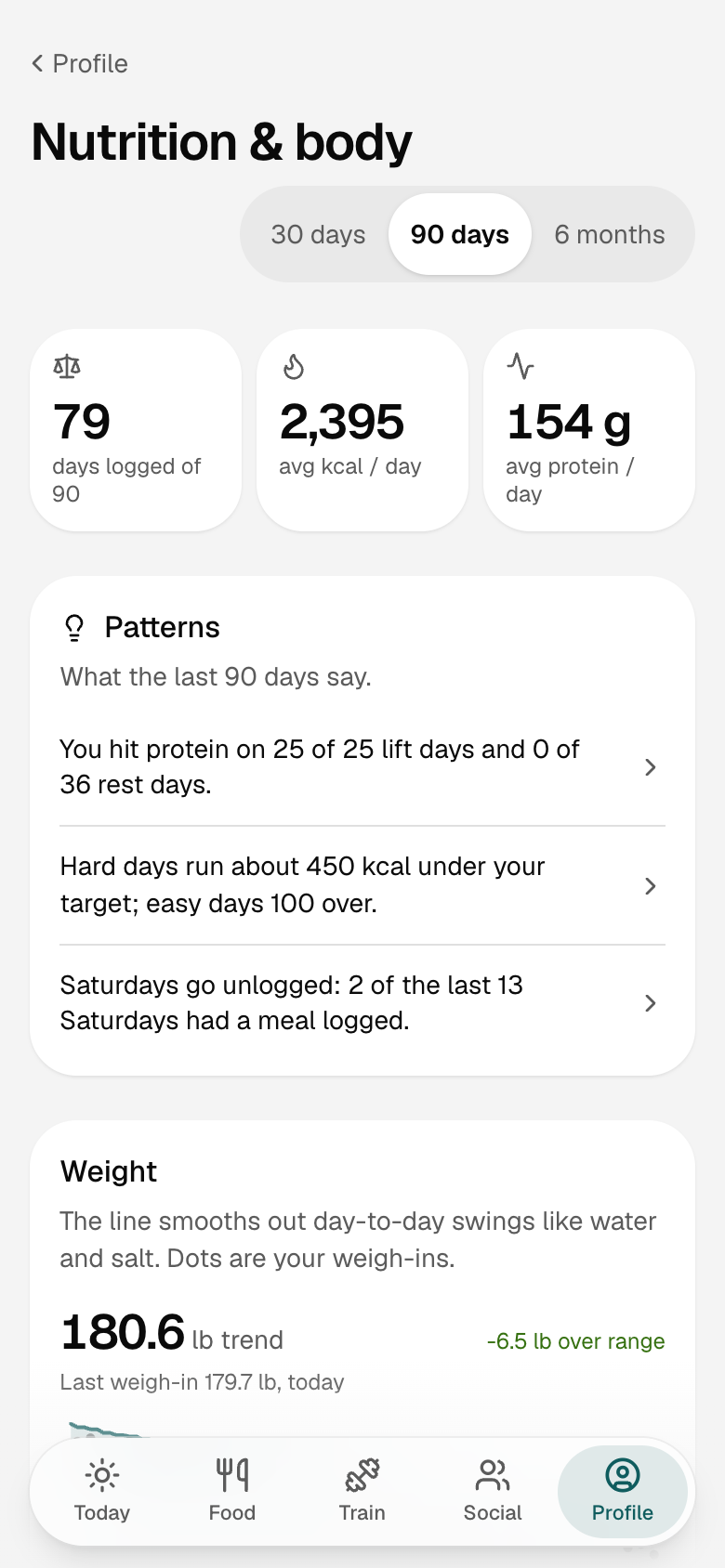
Because it holds both halves, Platable can tell you what they add up to: a line in the morning, a paragraph after a session, a pattern over the weeks. Each one is worked out by rules from your own numbers, not written by a model.
Morning
A brief at the top of Today.
After a session
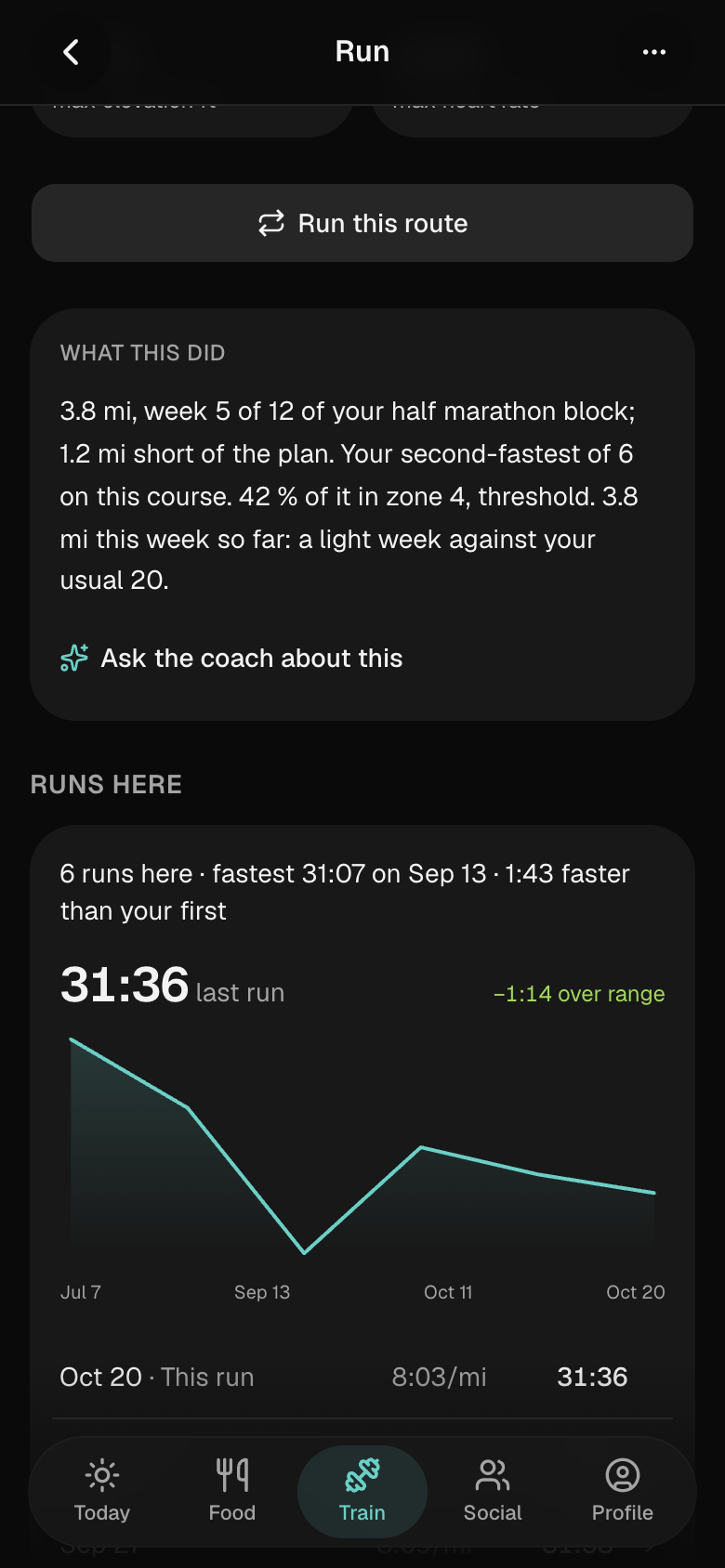
What the session did.
Over the weeks
Patterns, and the week in a word.
Plan
Your targets move with your training.
The calories you set are your week's average. Each day's target follows what the day holds, so a long run eats more and a rest day less, and the week still adds up.
Friday · Rest day
A rest day eats less.
The target you set is your week's average, not every day's. Friday has nothing on it, so the day comes down by 350 kcal, and the week still adds up to the same total.
Thursday · Steady run · 5 mi
A run day gets its carbs.
Five miles on Thursday. The day goes up by what the run burns, carbs carry the change, and protein stays where you set it.
Sunday · Long run · 10 mi
A long run earns the most.
Ten miles on Sunday, the biggest day of the week: 600 kcal more, mostly carbs. No day moves more than a quarter of the target you set.
Sunday · 4pm
Fill the rest of today.
What's left after what you ate and what's planned, as three saved meals that fit it, leaning the way the day's training does. One tap logs it, or puts it on tonight's dinner.
Cook · Shop
Cook it, shop it, share it.
Describe a craving or what's in the fridge and get a real recipe built to your diet. Everything you plan becomes one list for the week, and the person you shop with sees it too.
Cook
A real recipe from one sentence.
Describe a craving or what's in the fridge. You get a recipe built to your diet, with per-serving calories and macros.
- Generate a week of meals, or drop recipes you've saved onto the days you want them.
- Heart your favorites, tag many recipes at once, and find the ones you haven't cooked lately.
- Share a recipe as a link anyone can open and save.
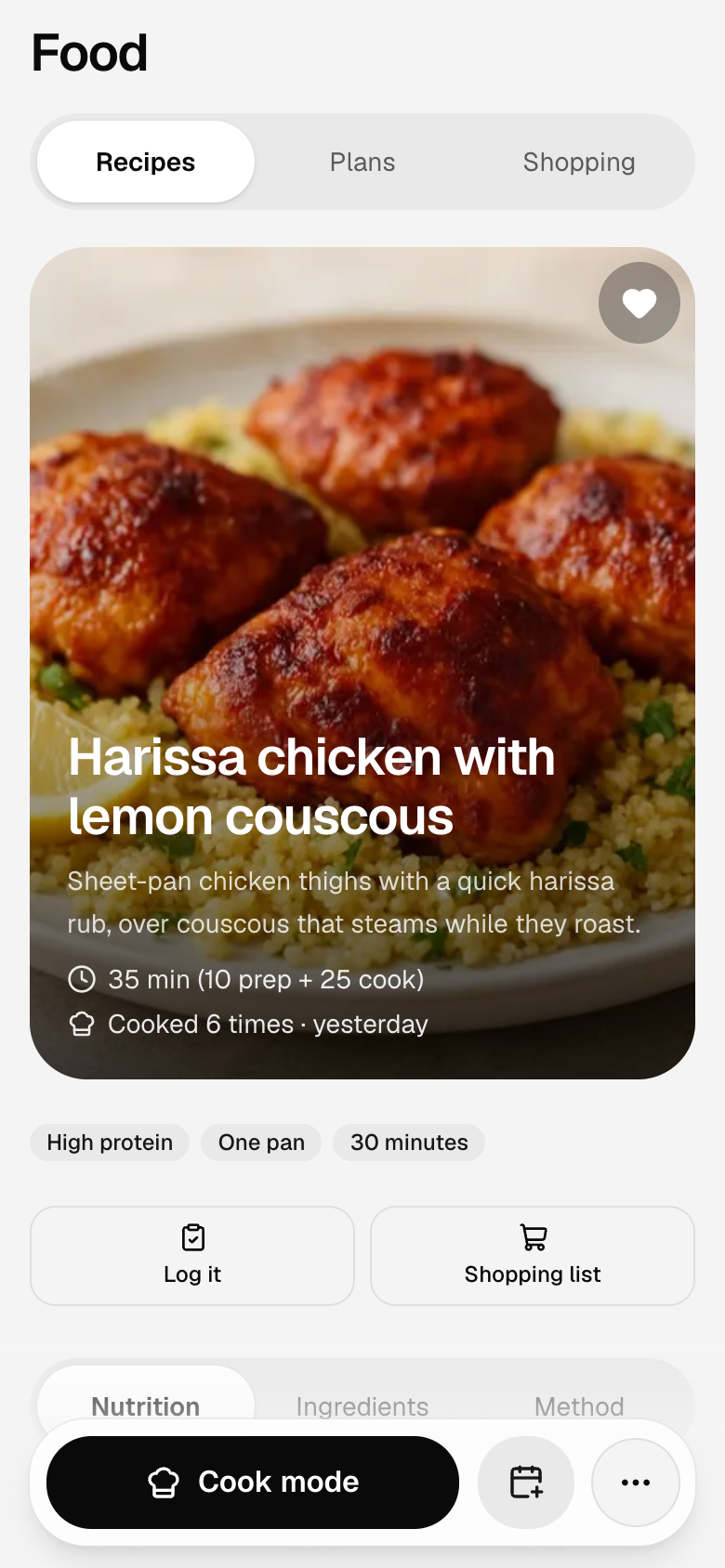
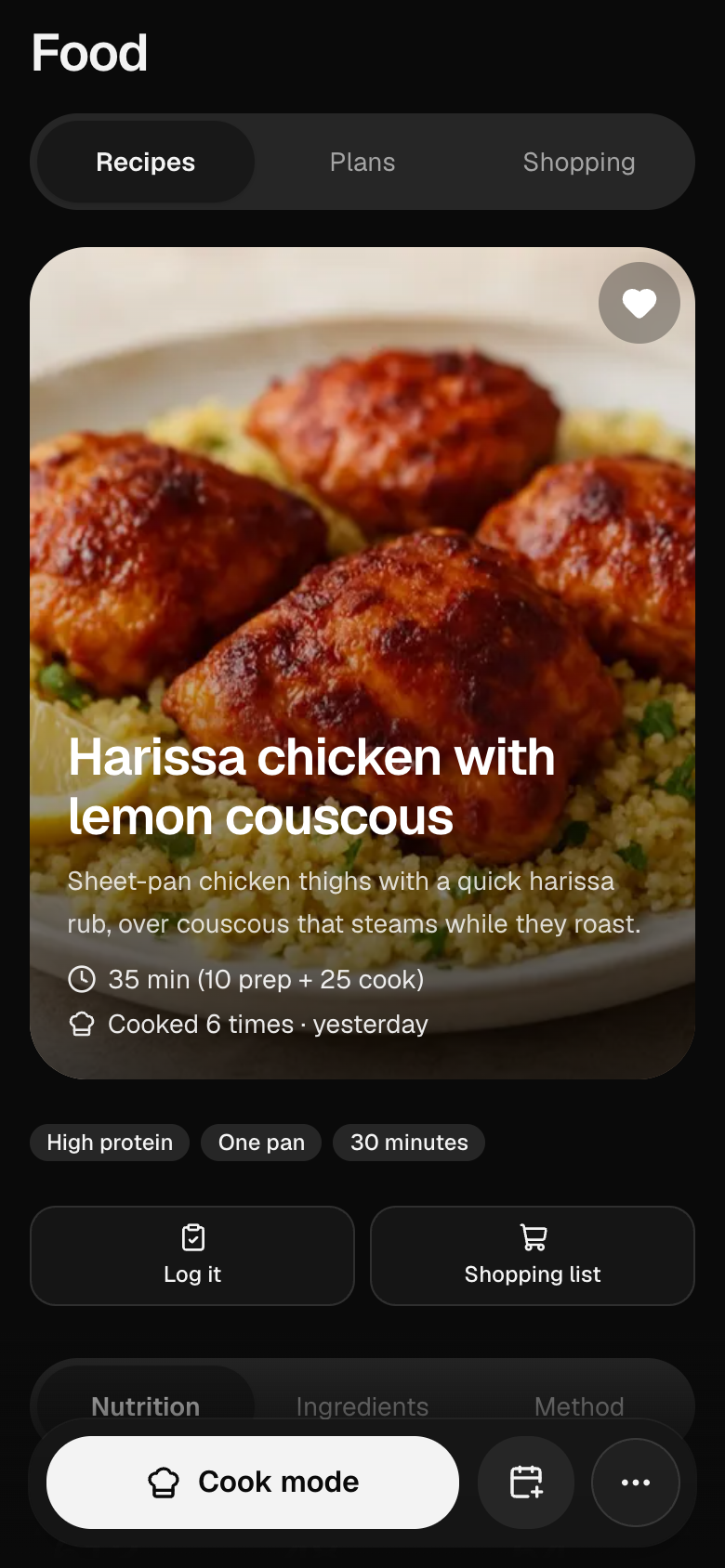
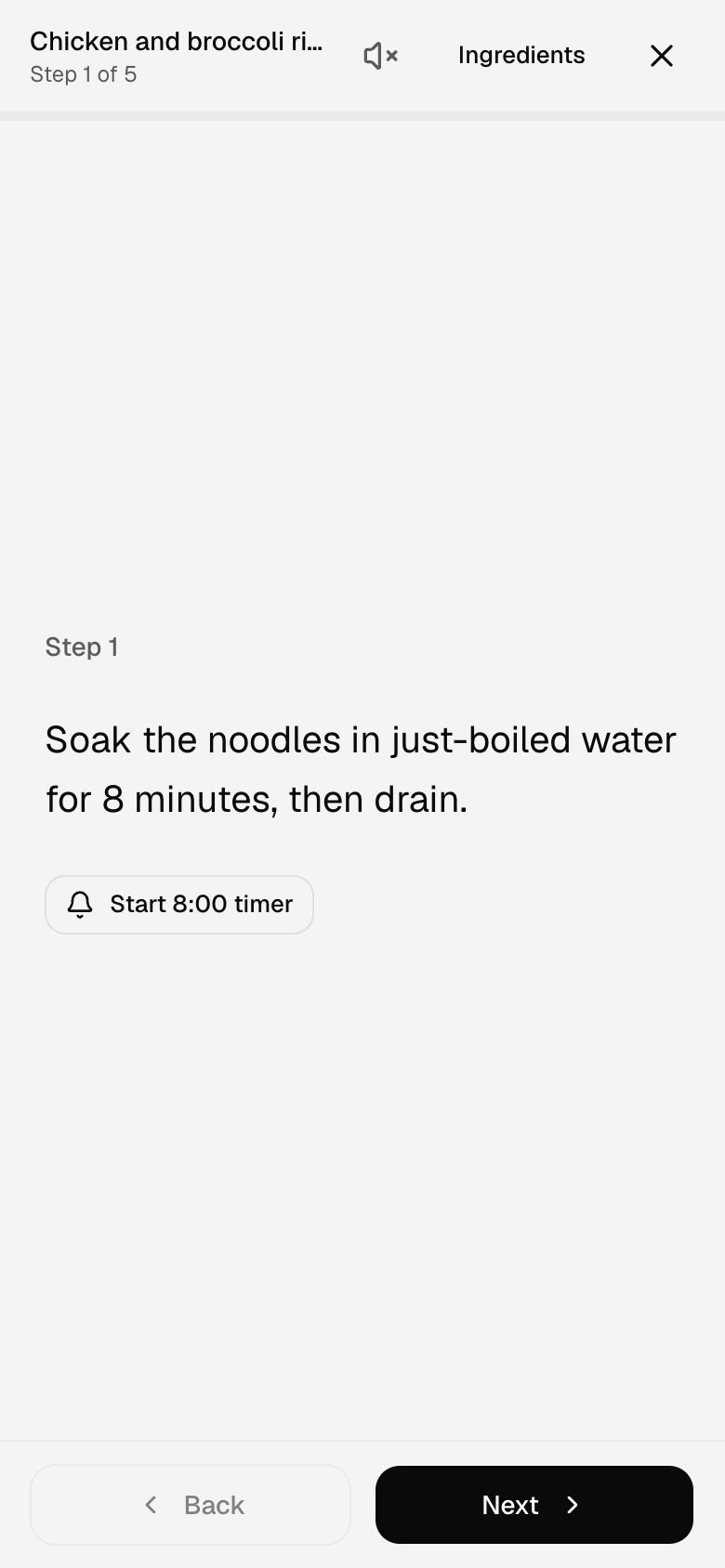
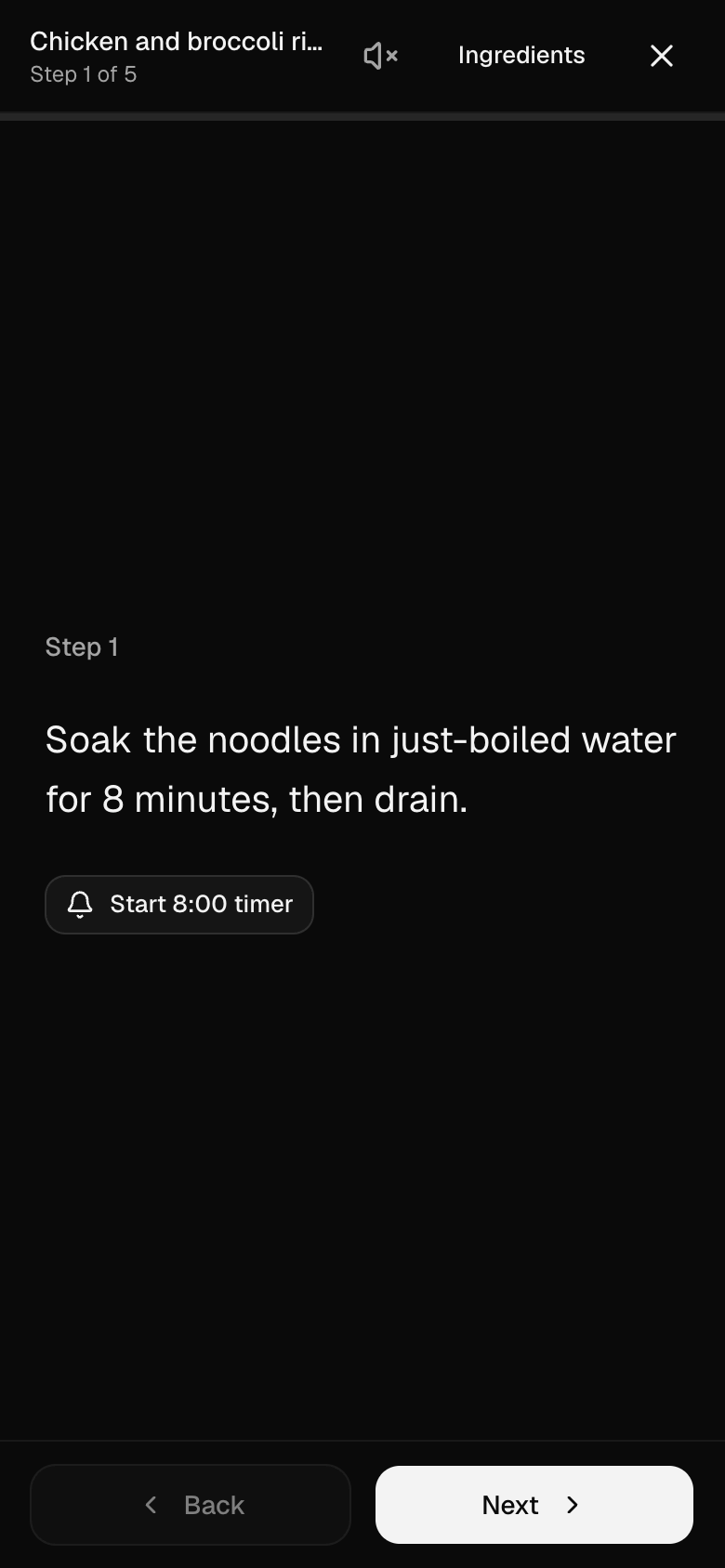
Cook
Cook mode keeps your place.
Shop
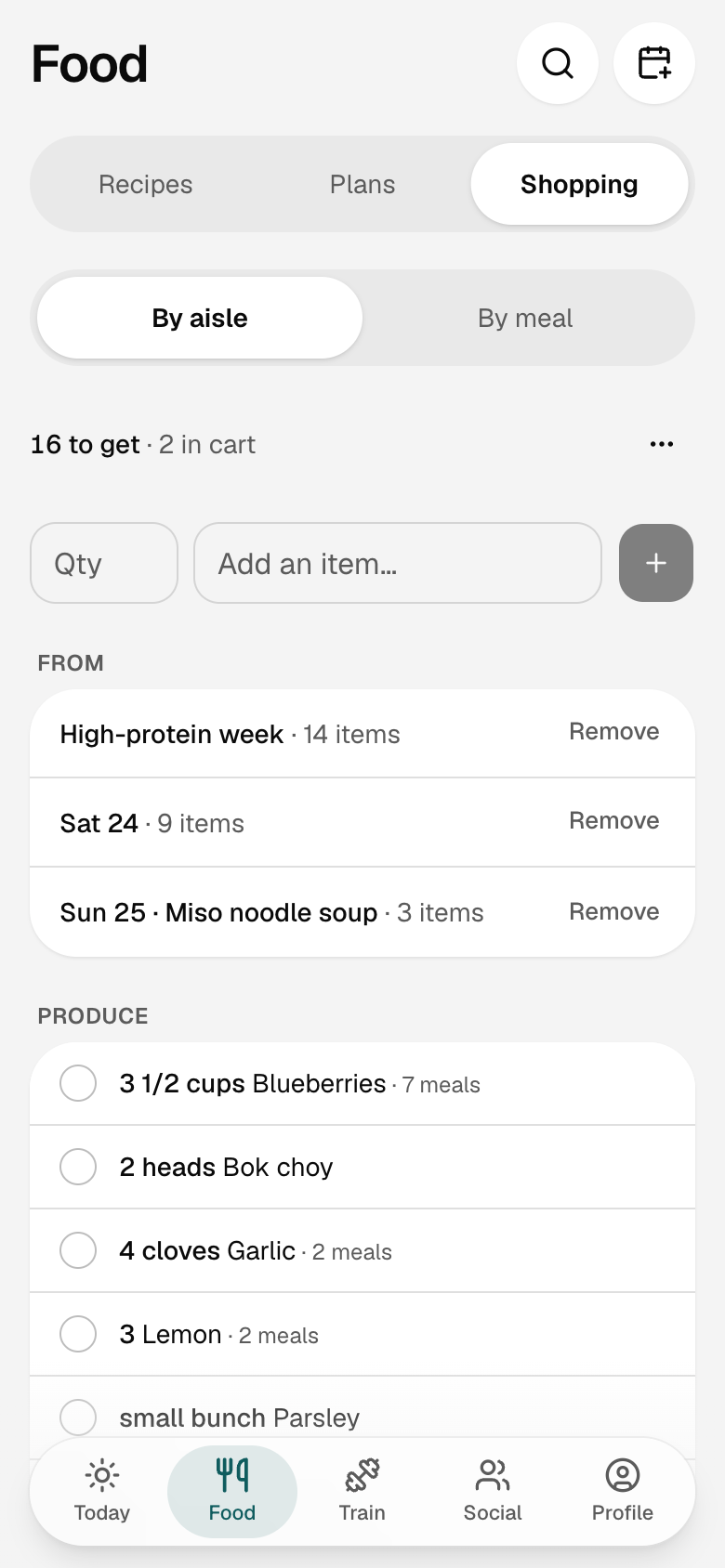
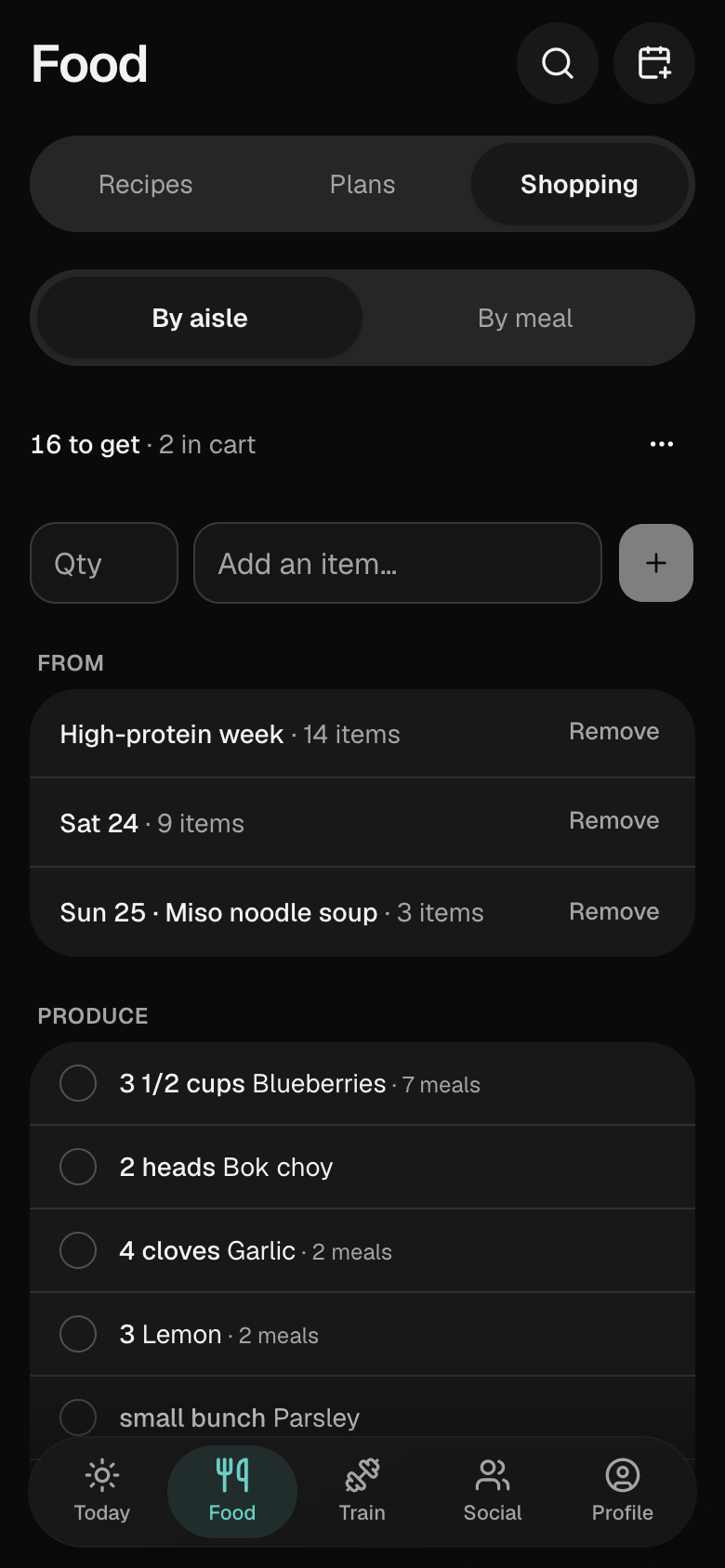
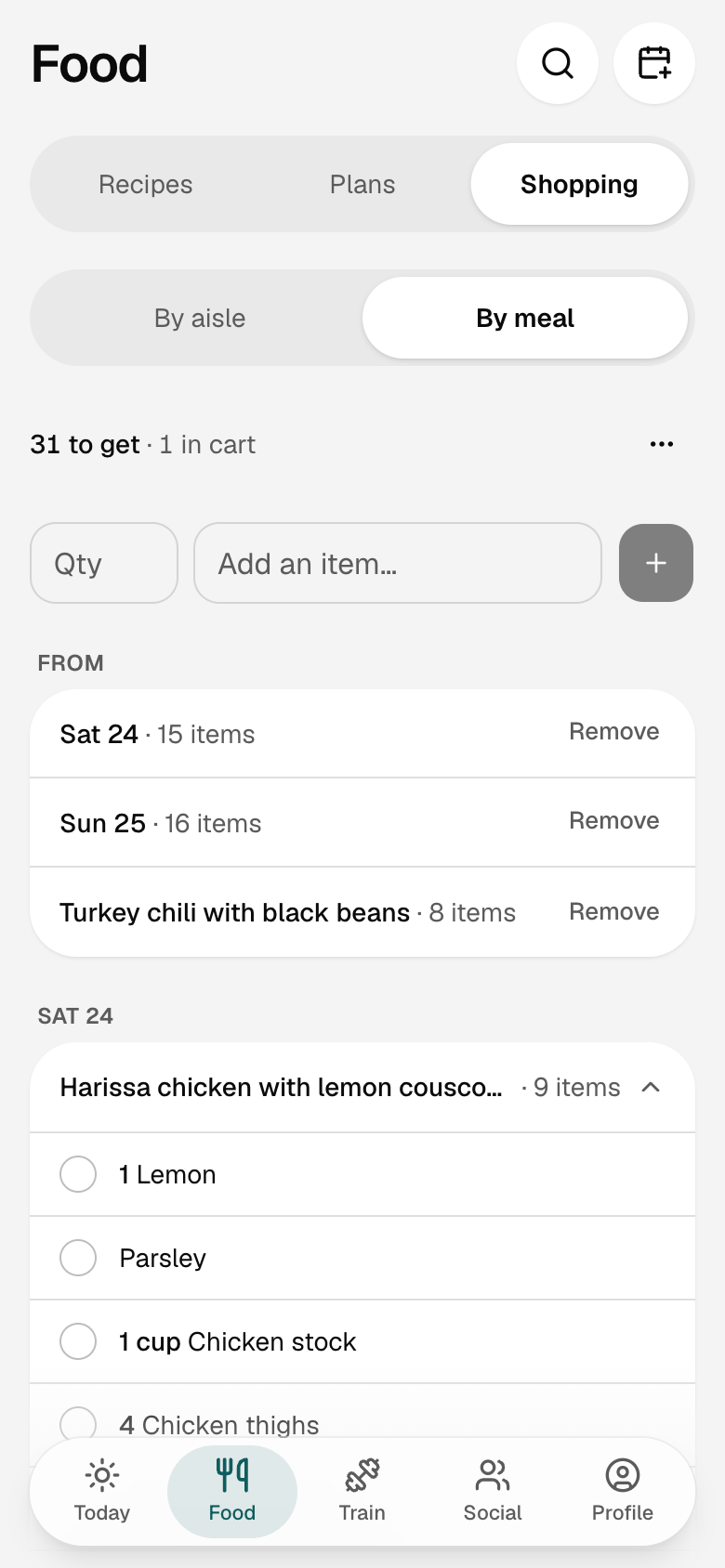
One list for the week.
Share
One list. Both of you.
Log
Log it in two taps.
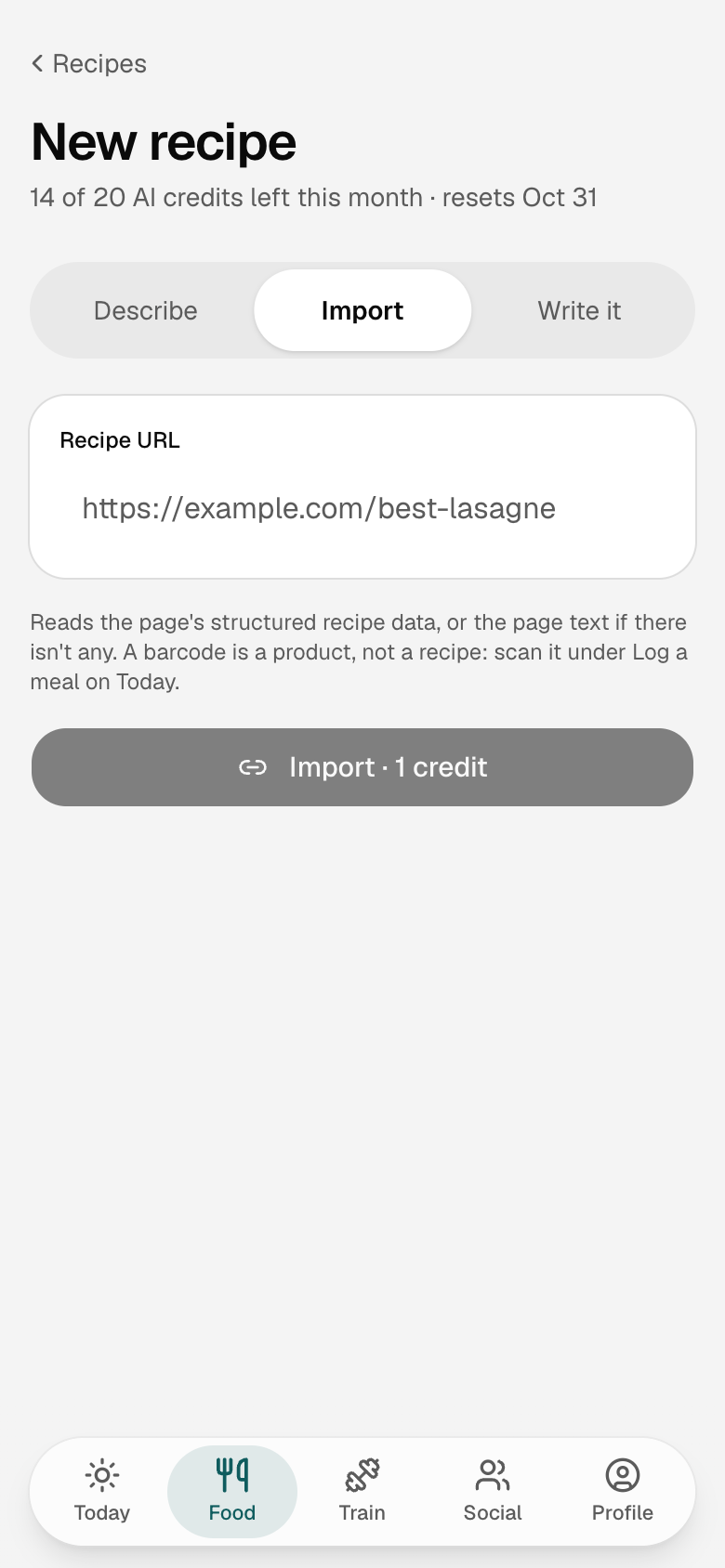
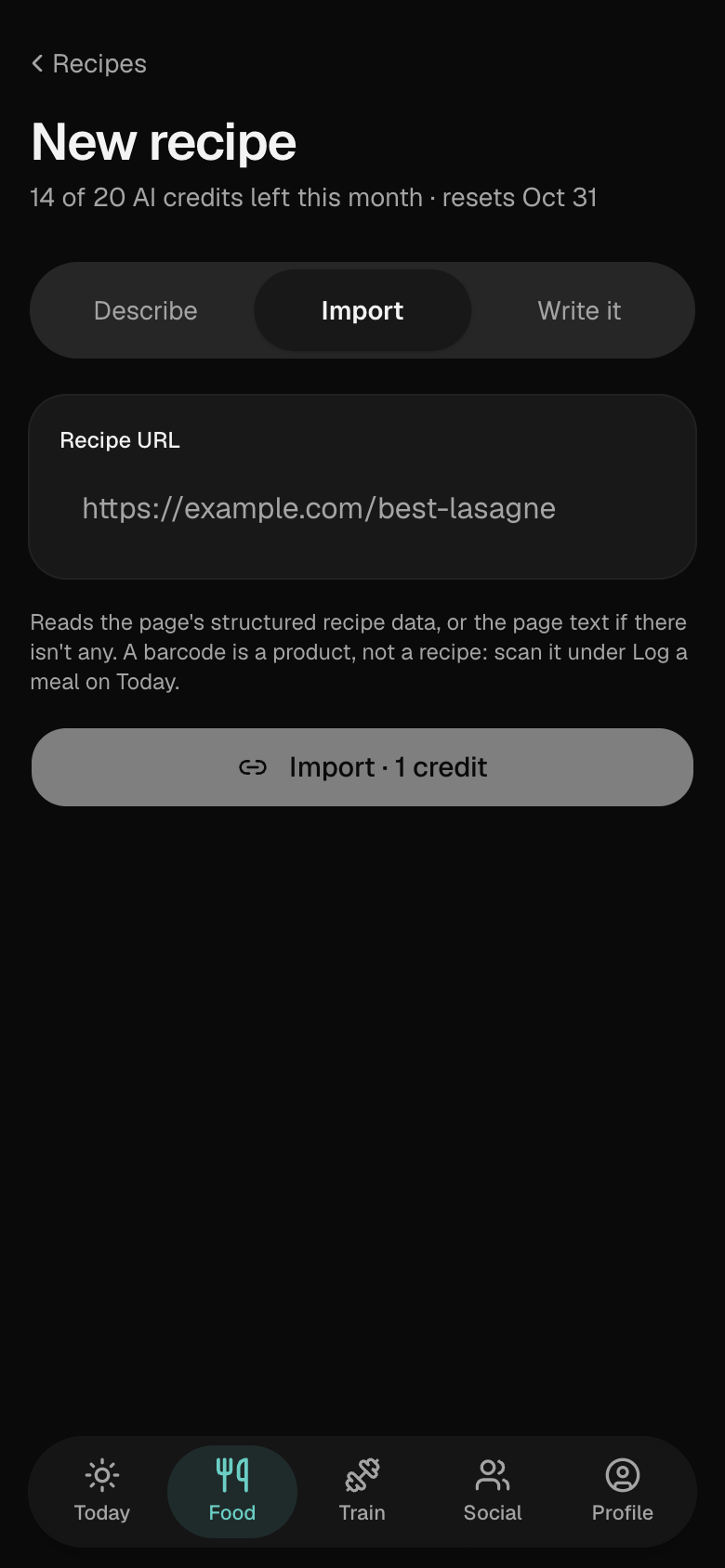
Import
From a link, or a photo of the plate.
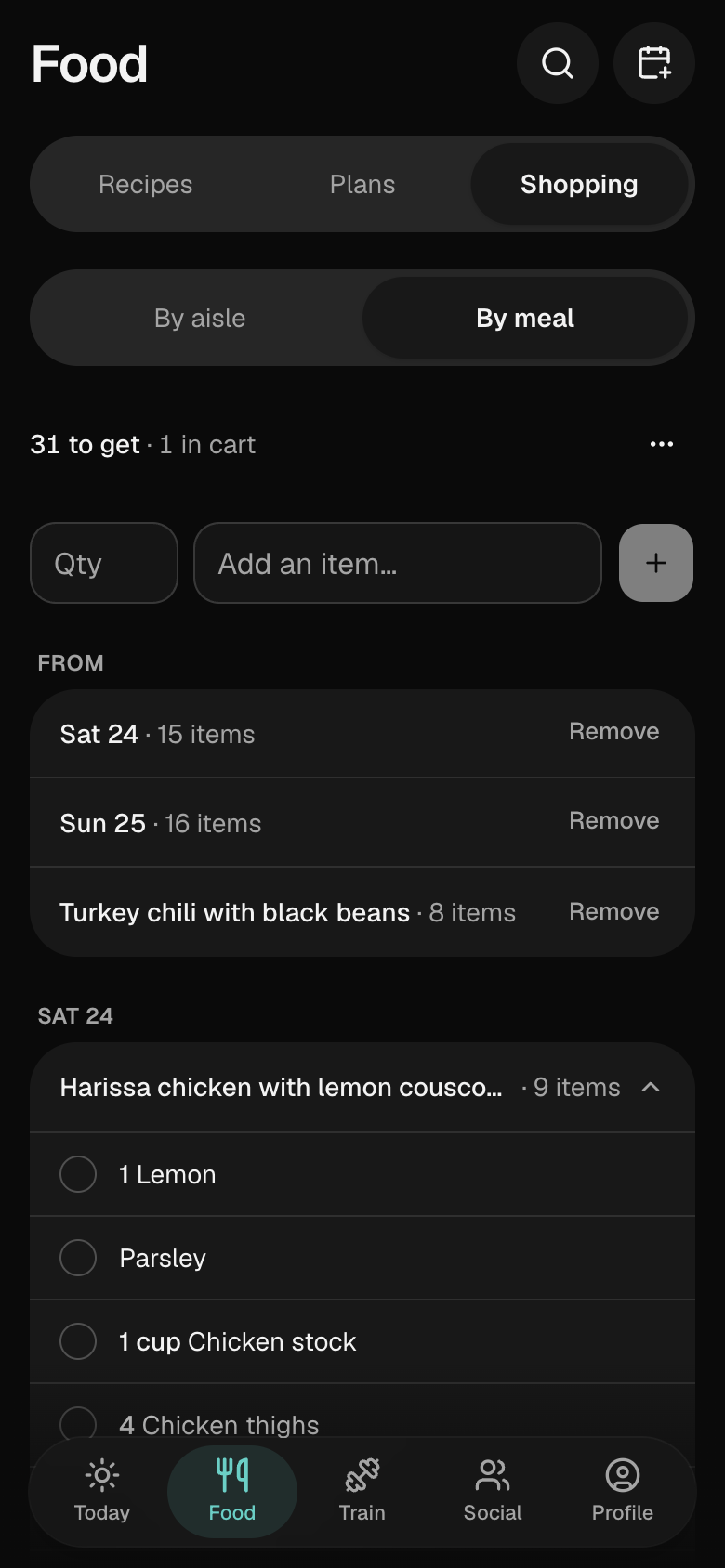
Shop
By aisle, or by meal.
Train
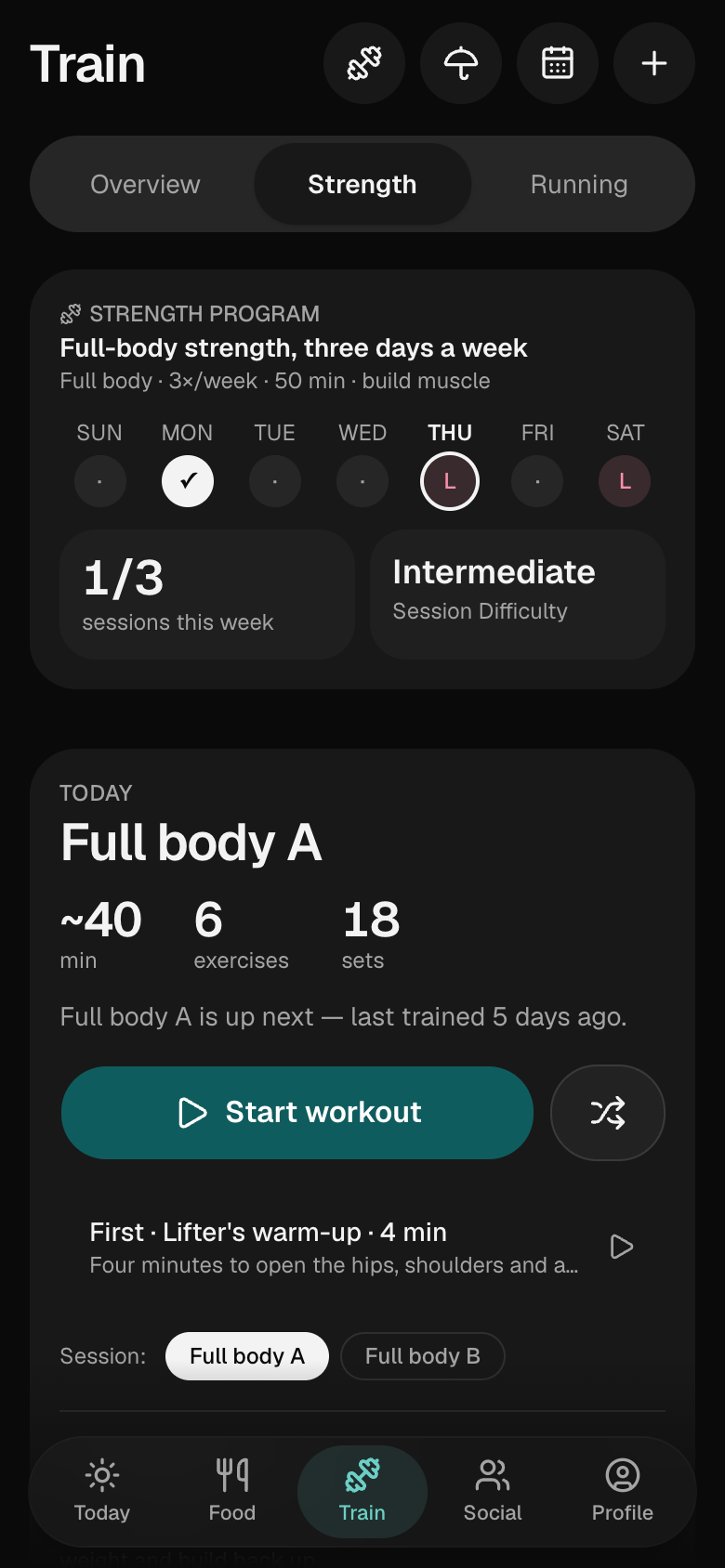
A coach that writes today.
No plan to pick. The strength coach reads your last sessions and builds today's, around what has recovered. For running, answer three questions and a plan is built to your race date.
Strength
Every lift, built for the day.
Today's session is written from your last ones: exercises, sets, reps and weights, with a note on why the weight moved.
- Weights move up when you hit your reps and ease back when you stall.
- Swap any exercise, or mix the whole session up, and it remembers what you don't want.
- Prefer your own routine? Build workouts by hand, free, and the same engine tracks them.
Running
Built to your race date.
Answer three questions (your goal, where you are now and which days you run) and the plan is built on the spot: your first 5K with run/walk intervals, a race block that builds to your date and tapers, a faster time at a distance you pick, or a steady week.
- Every session says what it's for and the paces to hit, and the plan adjusts to how your runs actually went.
- In the app, a guided run keeps time and calls your intervals out loud with the phone locked.
Your runs
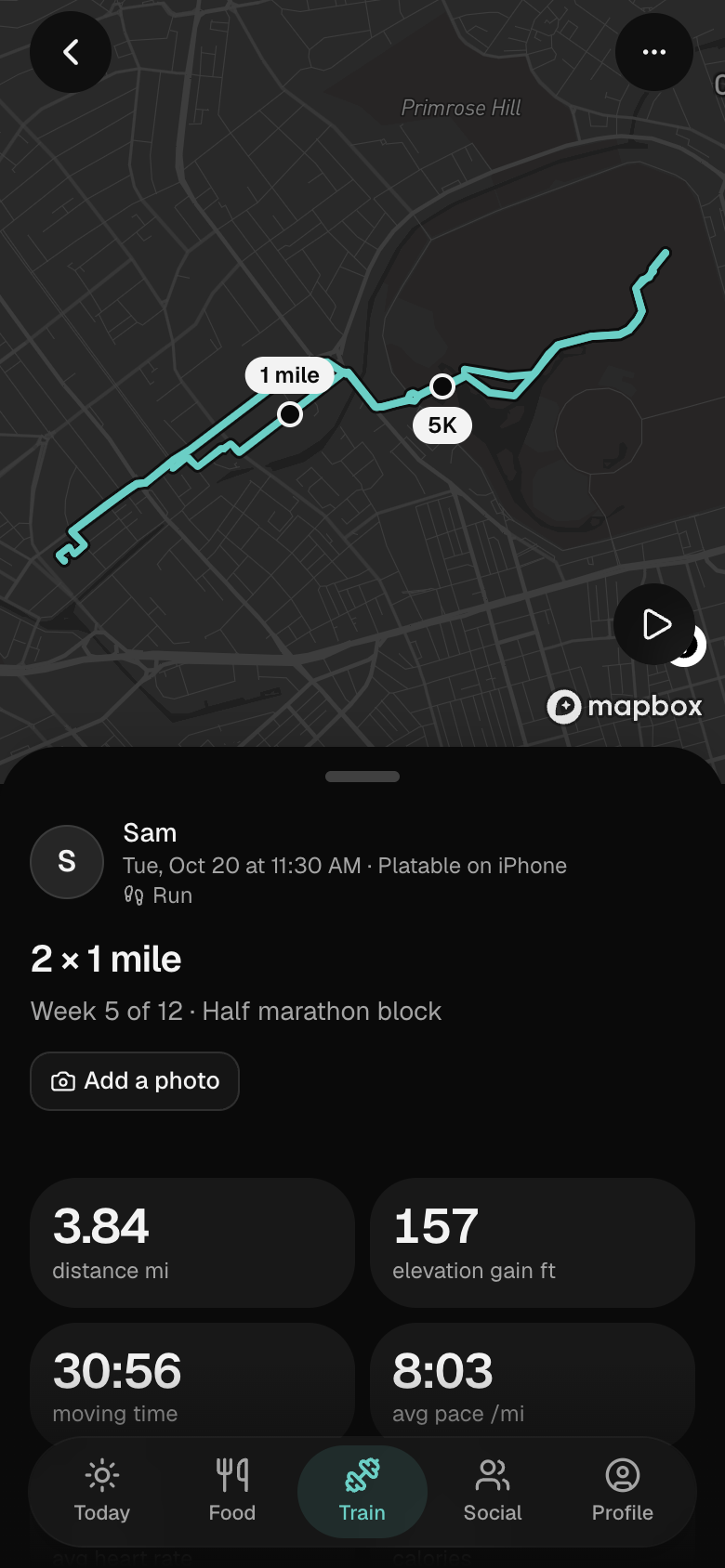
Every run, mile by mile.
With Run maps on, a run recorded in the app keeps its route. Its page is the live map, the splits, and what your pace, the ground and your heart did along the way. Press play and the camera flies it.
- Distance, moving time and pace, the climb and the top of it, and with an Apple Watch your heart rate and the Watch's calories.
- Mile or kilometer splits with a pace bar each, and best efforts picked out of the run: your fastest mile, 5K and 10K.
- Pace, elevation and heart rate as three charts under one scrubber.
- Run maps is one switch in Settings, and the route your friends see leaves out the first and last 200 m.
Your routes
Run it again.
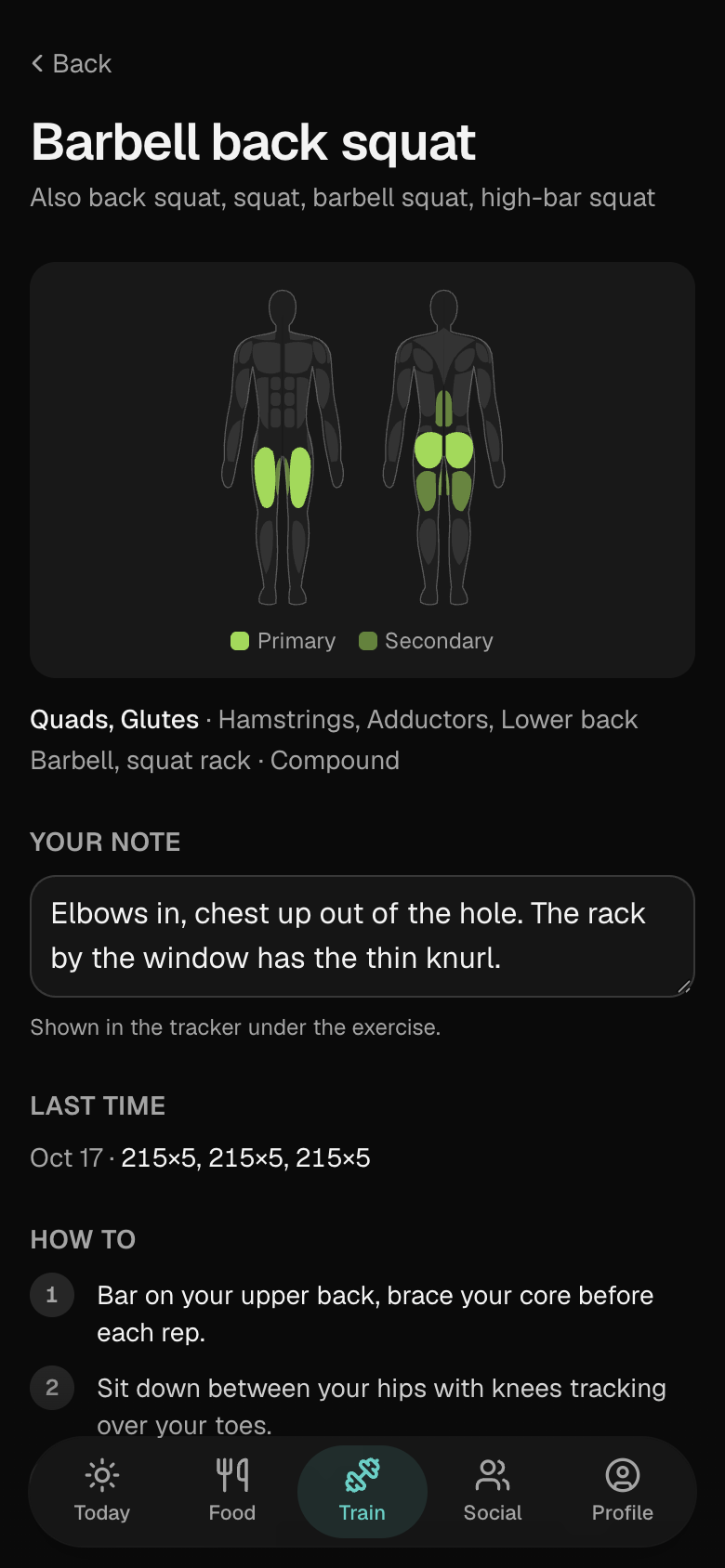
Exercises
Every exercise has a page.
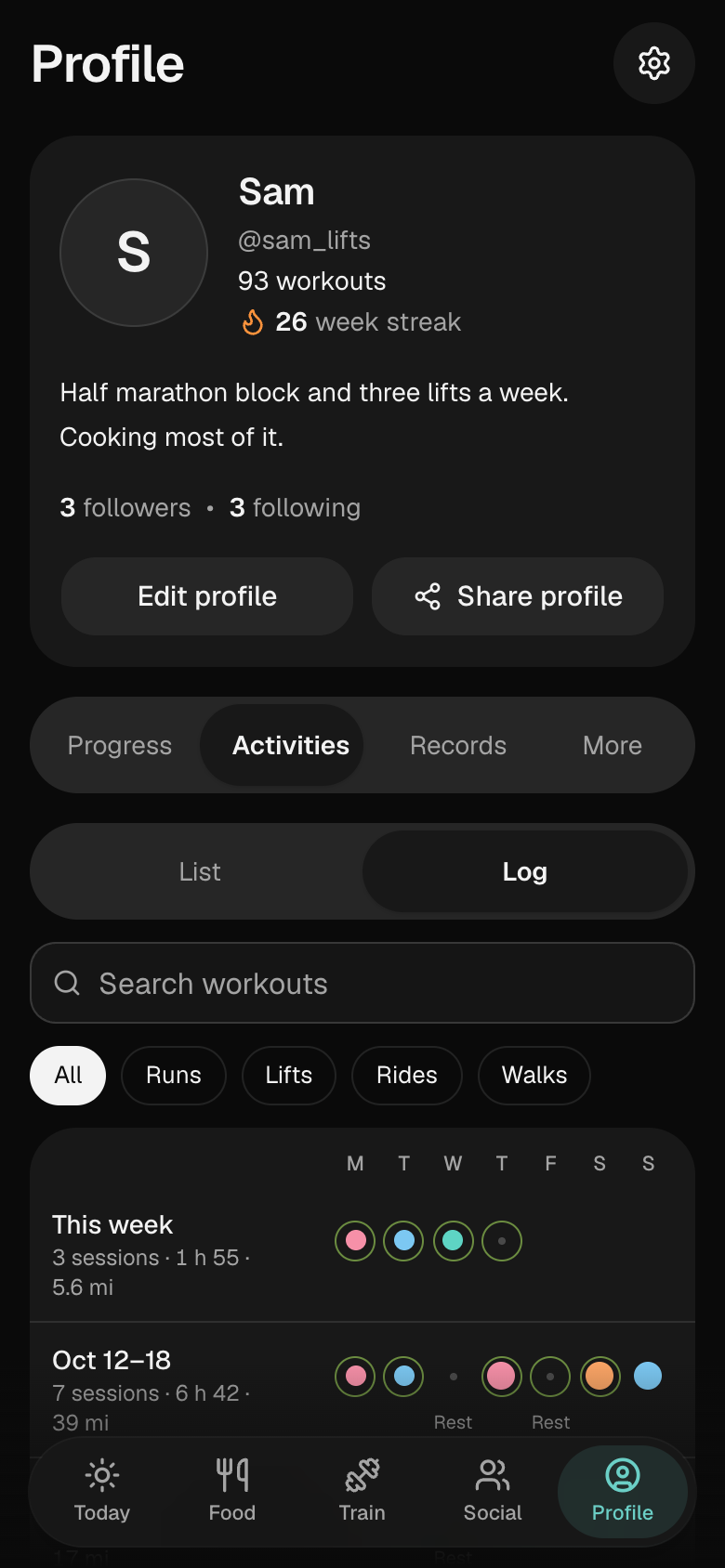
The log
Every week on one line.
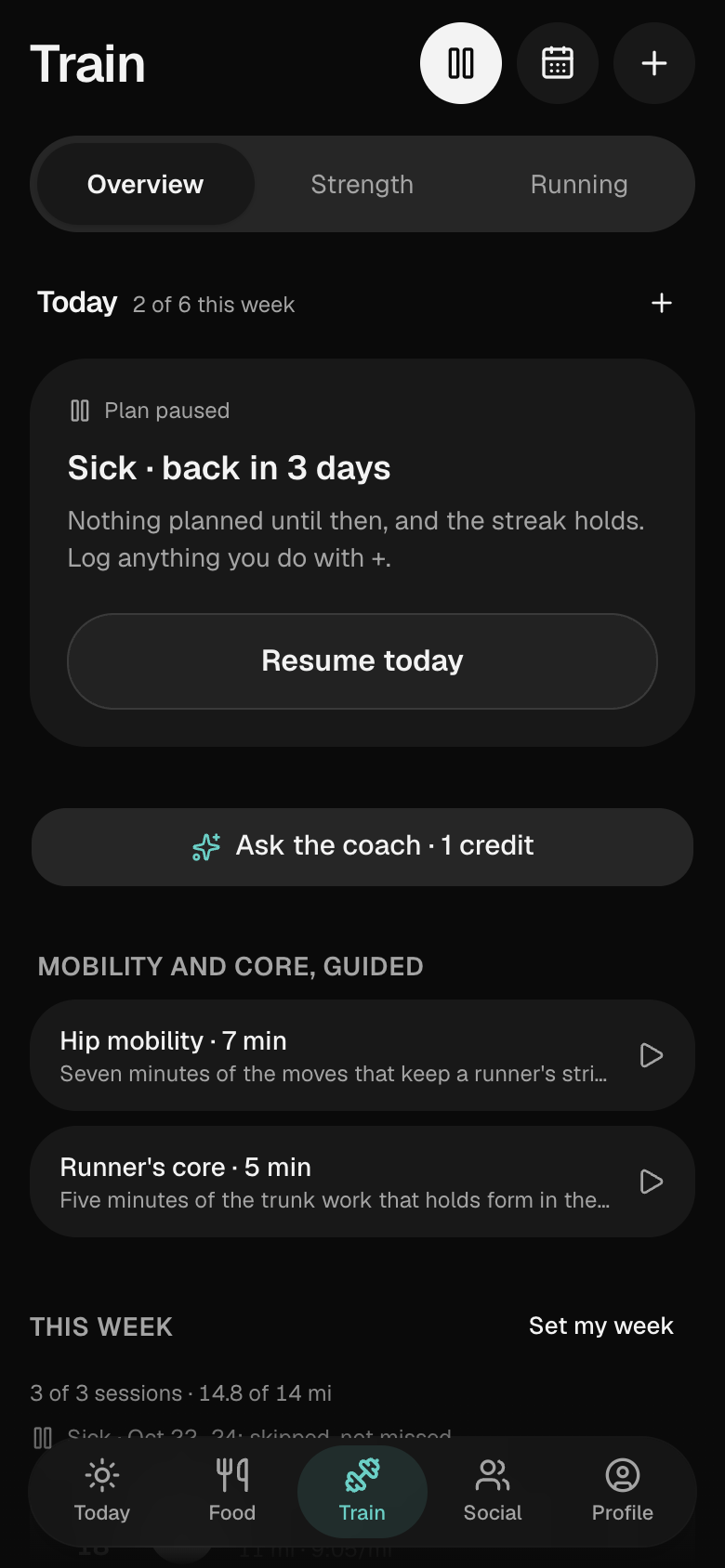
Life happens
Sick, hurt or away.
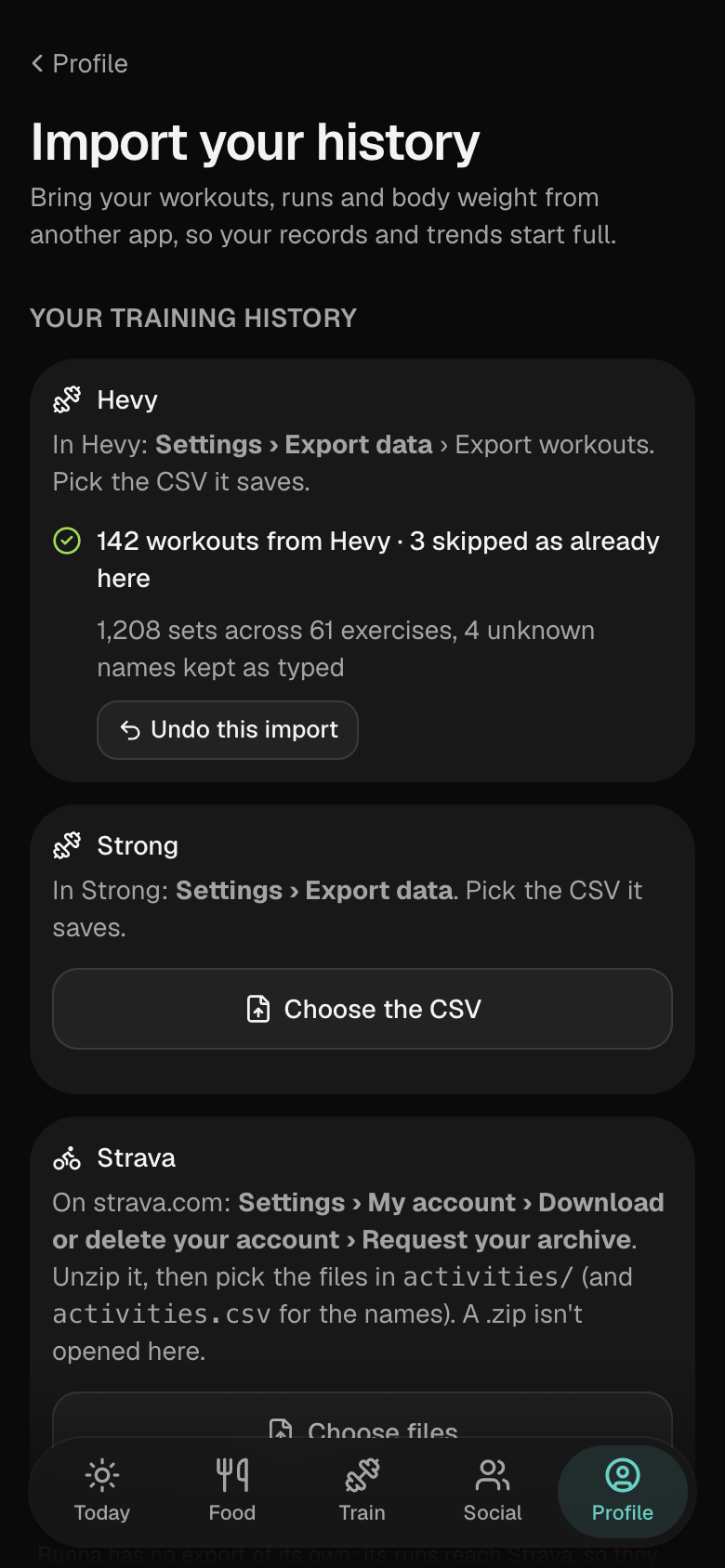
Bring your history
Your lifts from Hevy or Strong, your runs from Strava.
Import the export file from Hevy or Strong and the activity files from your Strava archive. Your records and trends start full instead of empty.
- Workouts already in Platable or Apple Health are skipped.
- One tap undoes the whole import.
- Imports stay yours: they aren't shared with your followers or written to Apple Health.
On iPhone
On your wrist, and in Health.
Keep recording the way you already do. Platable picks it up and puts it on the plan.
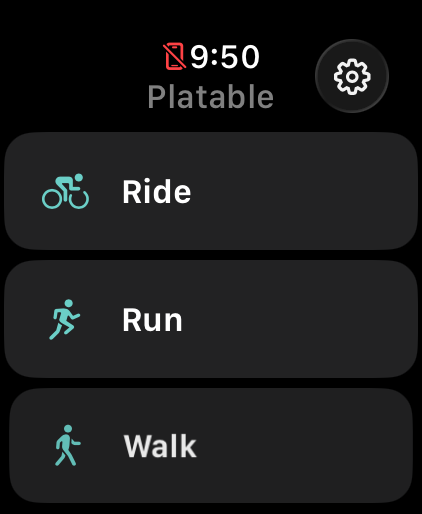
Apple Watch
Start a run, walk, ride or lift from your wrist.
Apple Health
Syncs both ways.
A run or lift recorded on an Apple Watch, or in an app like Strava that saves to Health, lands on the day it happened and can count as the session you planned.
You choose what's read and what's written, kind by kind, and can disconnect at any time. What already came in stays in your log.
Lock screen
Today on the lock screen, and in StandBy.
Widgets put today's session with its hour, the calories left and your streak on the lock screen, and a tap starts the session. Charging on its side at night, the iPhone shows the calories left and the morning's brief.
Sunday
A Sunday that closes the week.
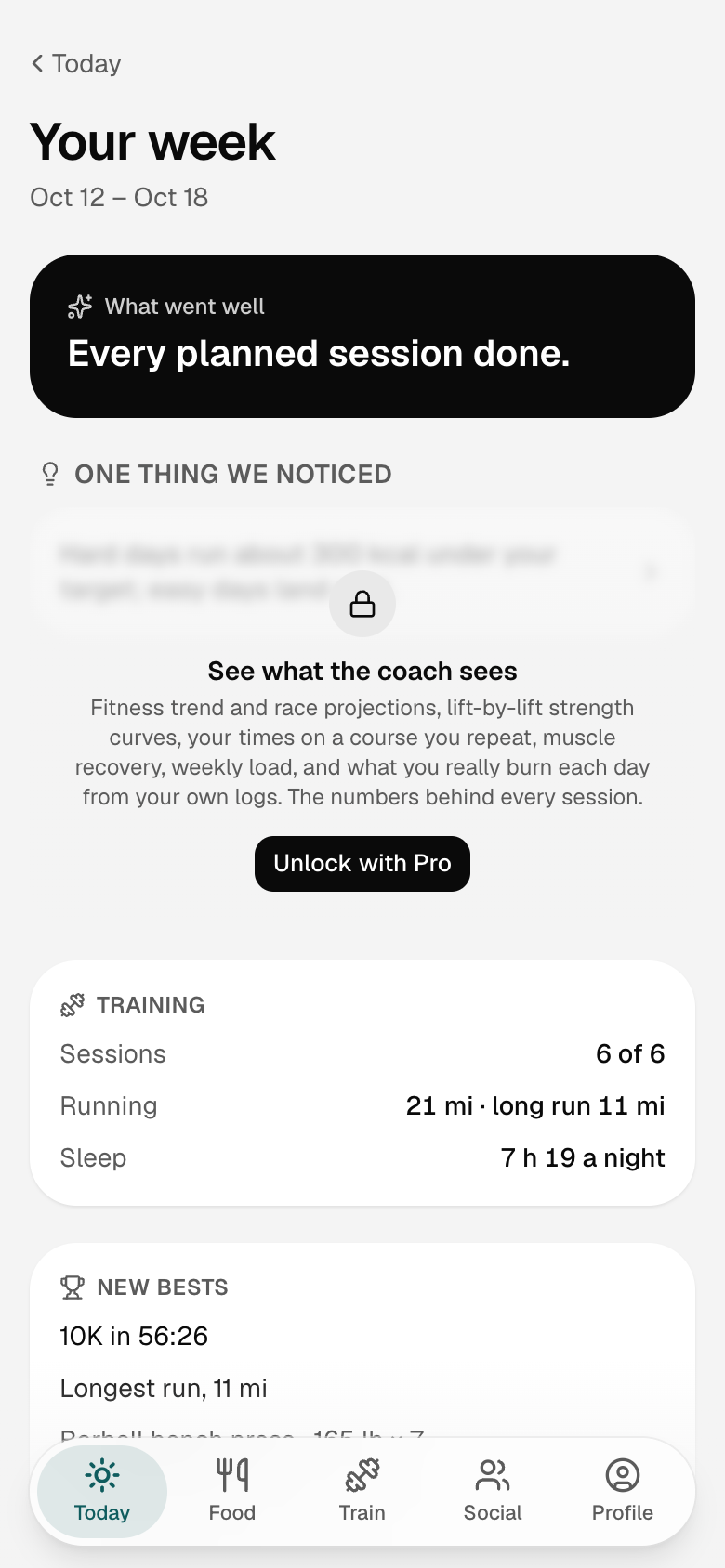
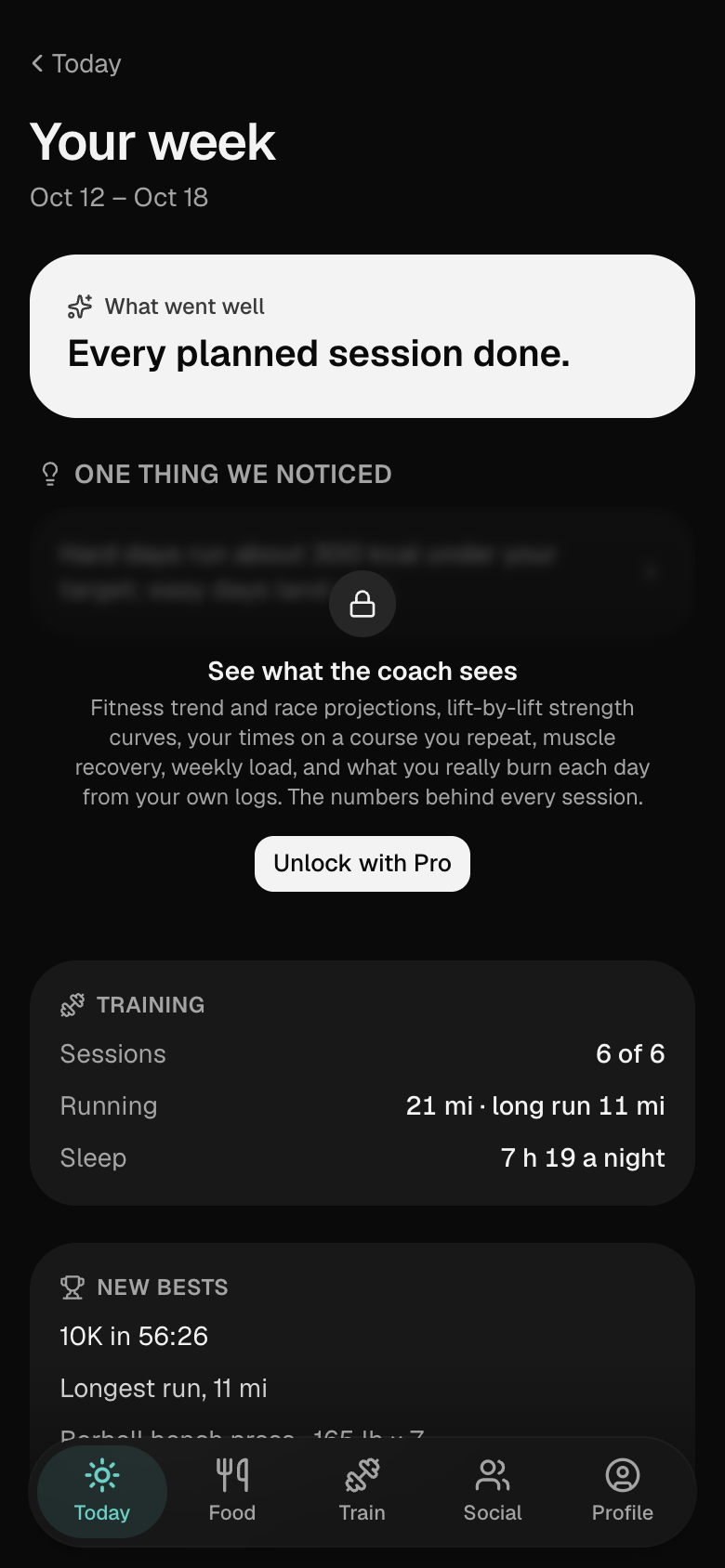
Every Sunday evening, your week: sessions done of planned, miles and the long run, new bests, food against the targets, the weight trend and the streak, and one line on what went well. Then next week, with Set my week, Plan meals and Shop beside it.
- A daily streak that forgives the odd missed day, and a weekly check-in that shapes next week instead of just recording the last one.
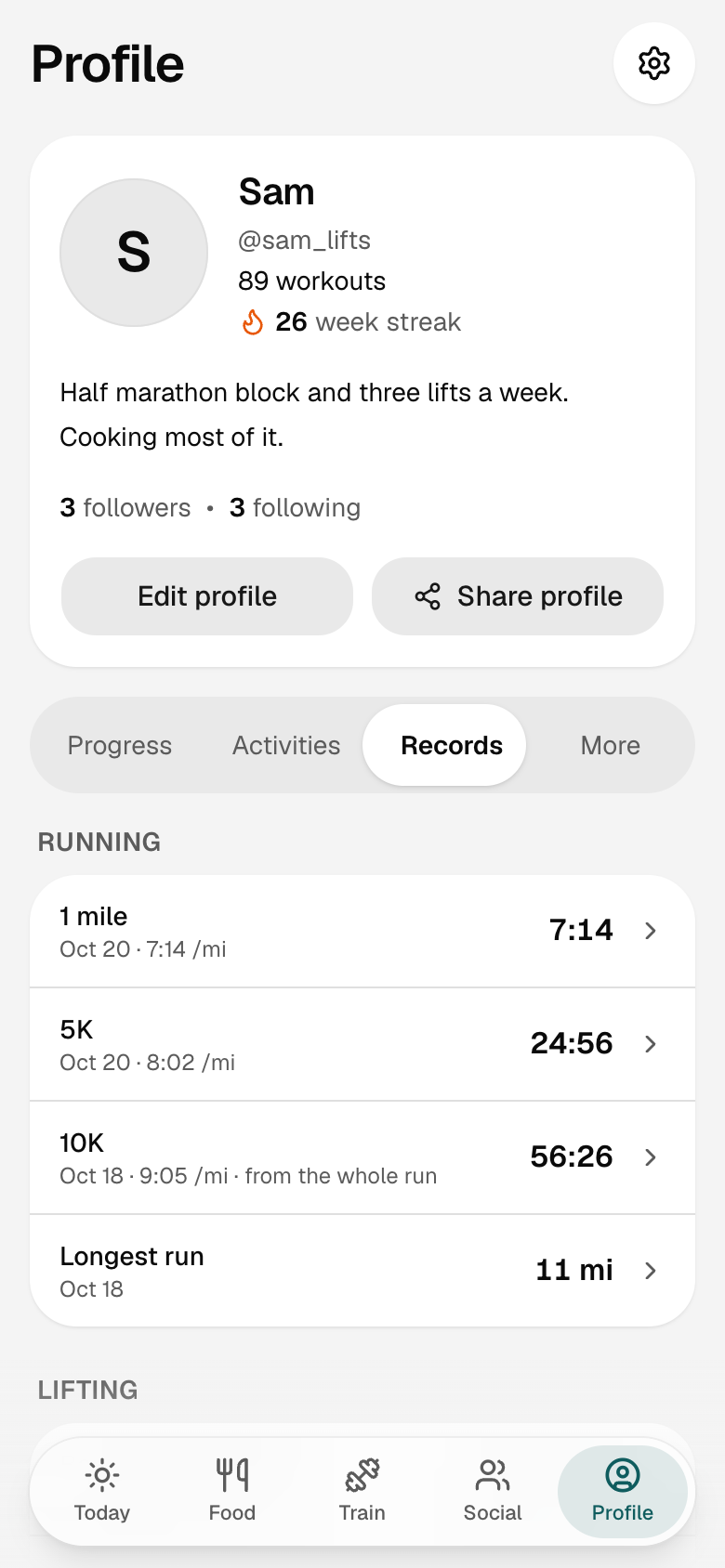
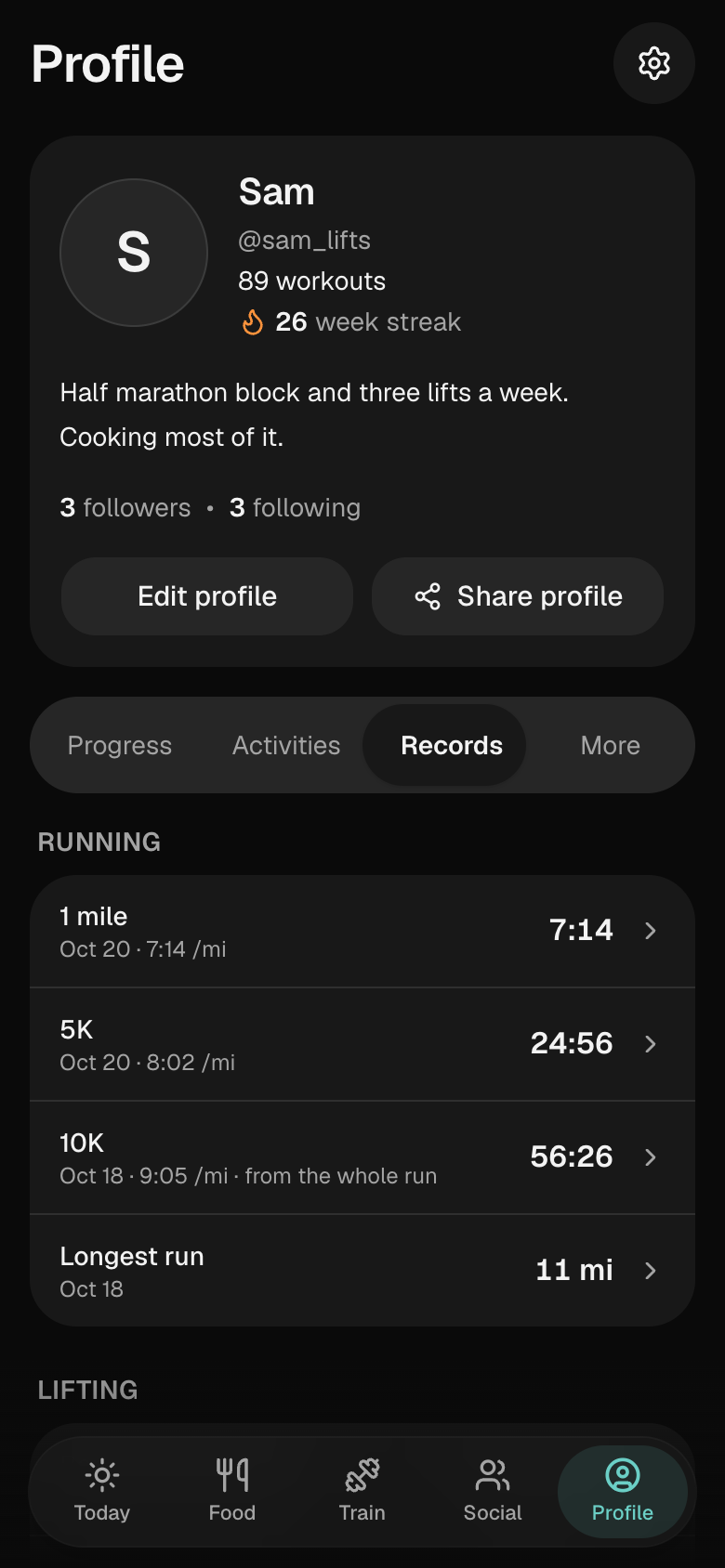
- Records: your best mile, 5K, 10K and half marathon, your longest run, and for every lift the best set, the estimated one-rep max and your rep PRs.
- Share the week as a picture. The recap waits on Today until Monday, and a 6pm notification on Sunday has its own switch.
Friends
Follow friends and cheer them on.
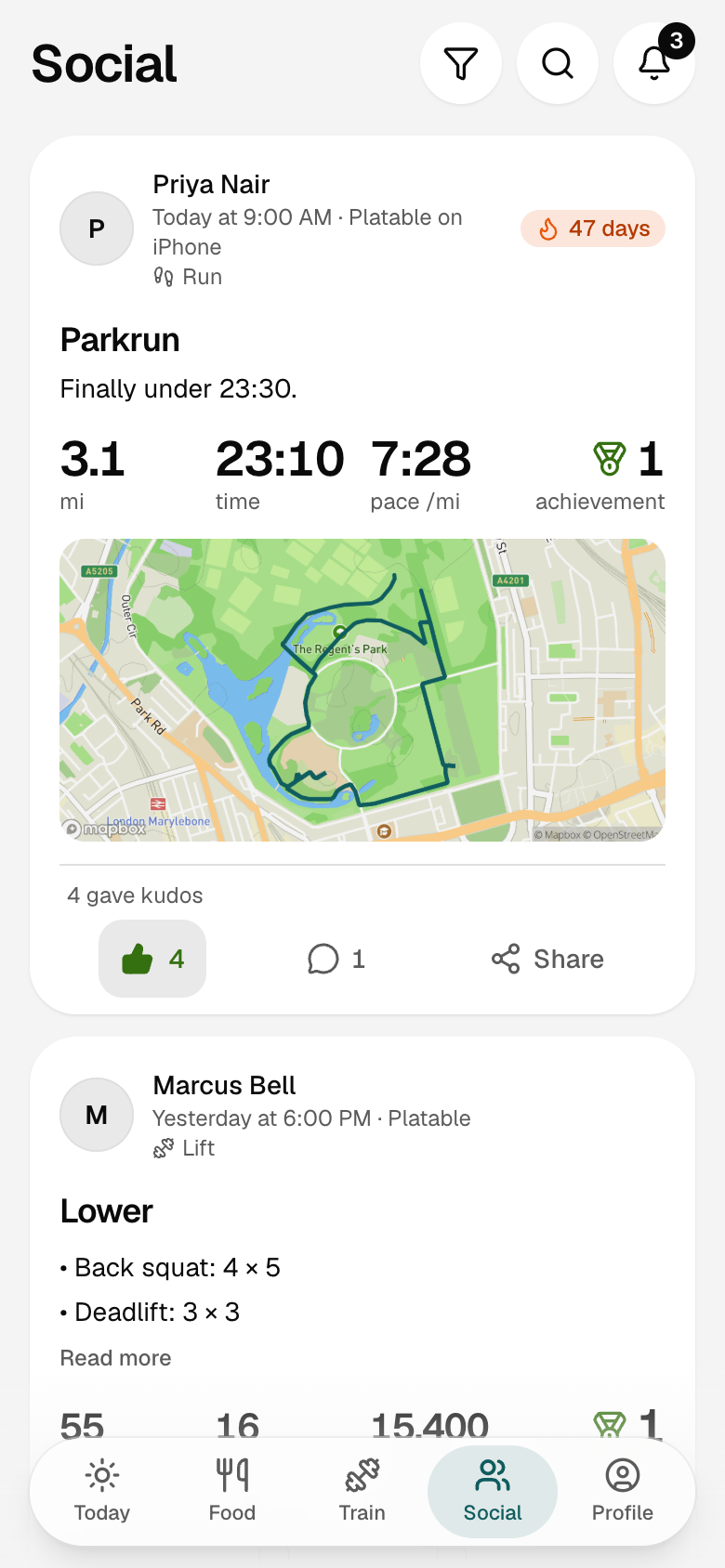
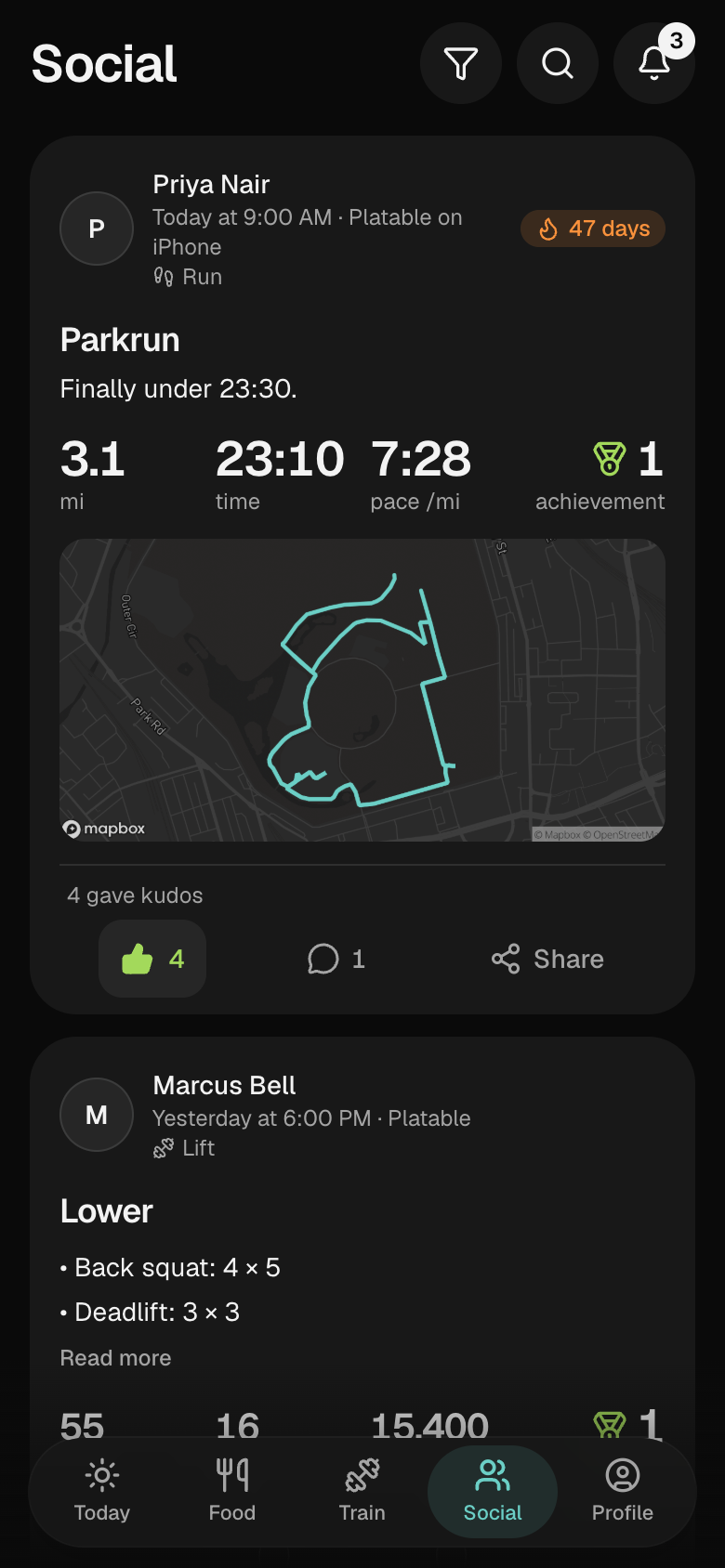
Create a profile and your workouts go to the people who follow you. Theirs come to your Feed, with the numbers that matter and none of the noise.
- Runs and lifts from the people you follow, with their PRs and streaks. Give kudos or leave a comment.
- You choose who sees what: followers or everyone, a private account that approves each follower, and any workout kept to yourself.
- Run maps is one switch in Settings, and the first and last 200 m of every route your friends see are cut.
- Free, and nothing is shared until you create a profile.
Food
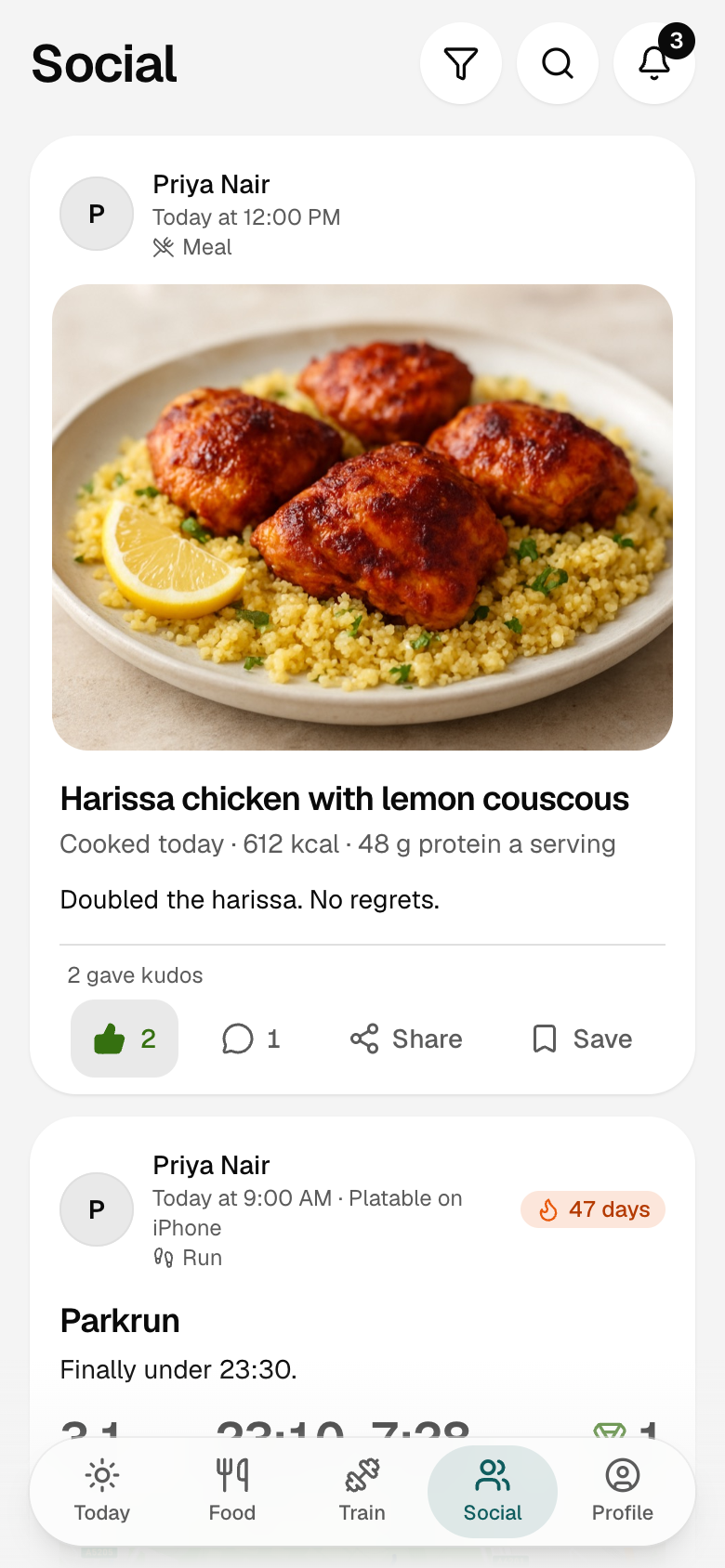
What friends cook, saved in a tap.
Challenges
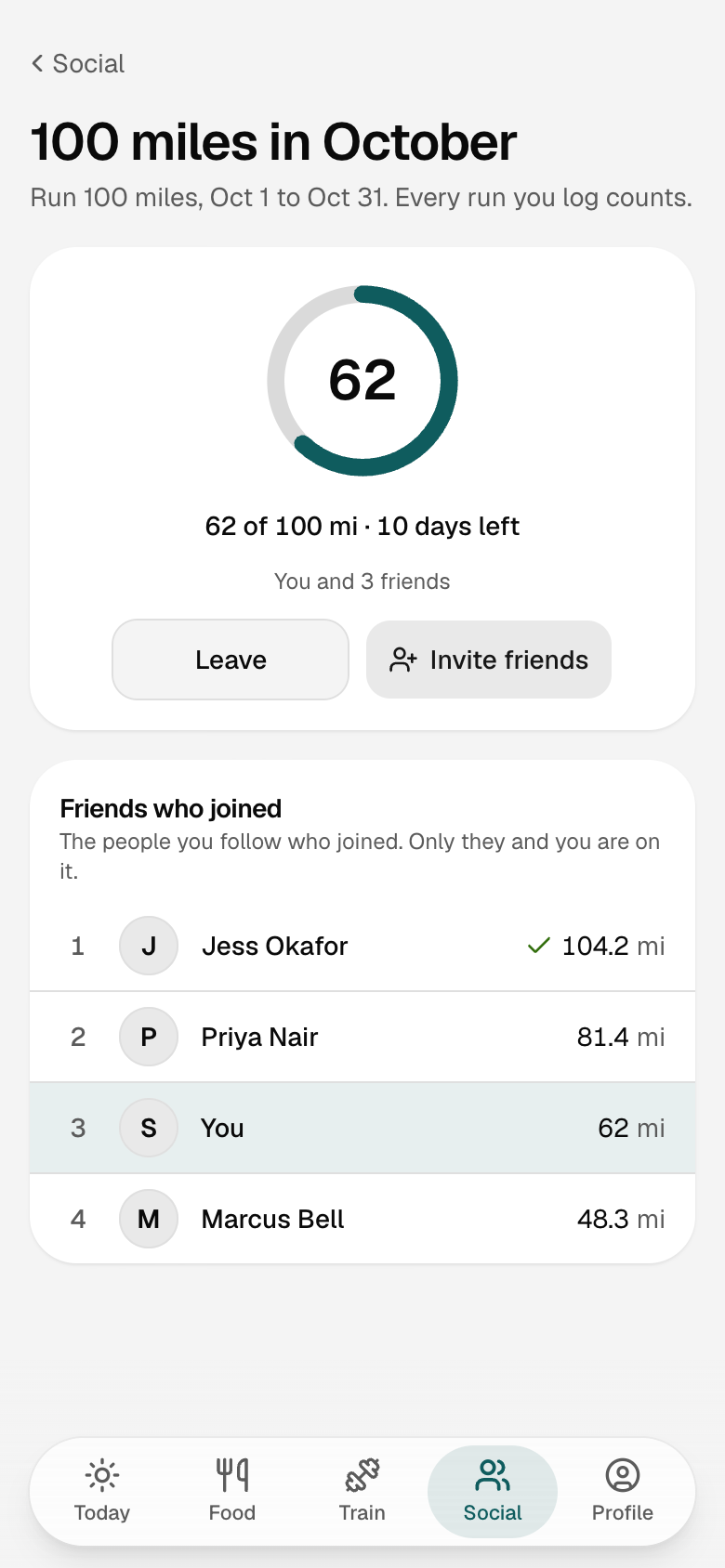
A challenge every month.
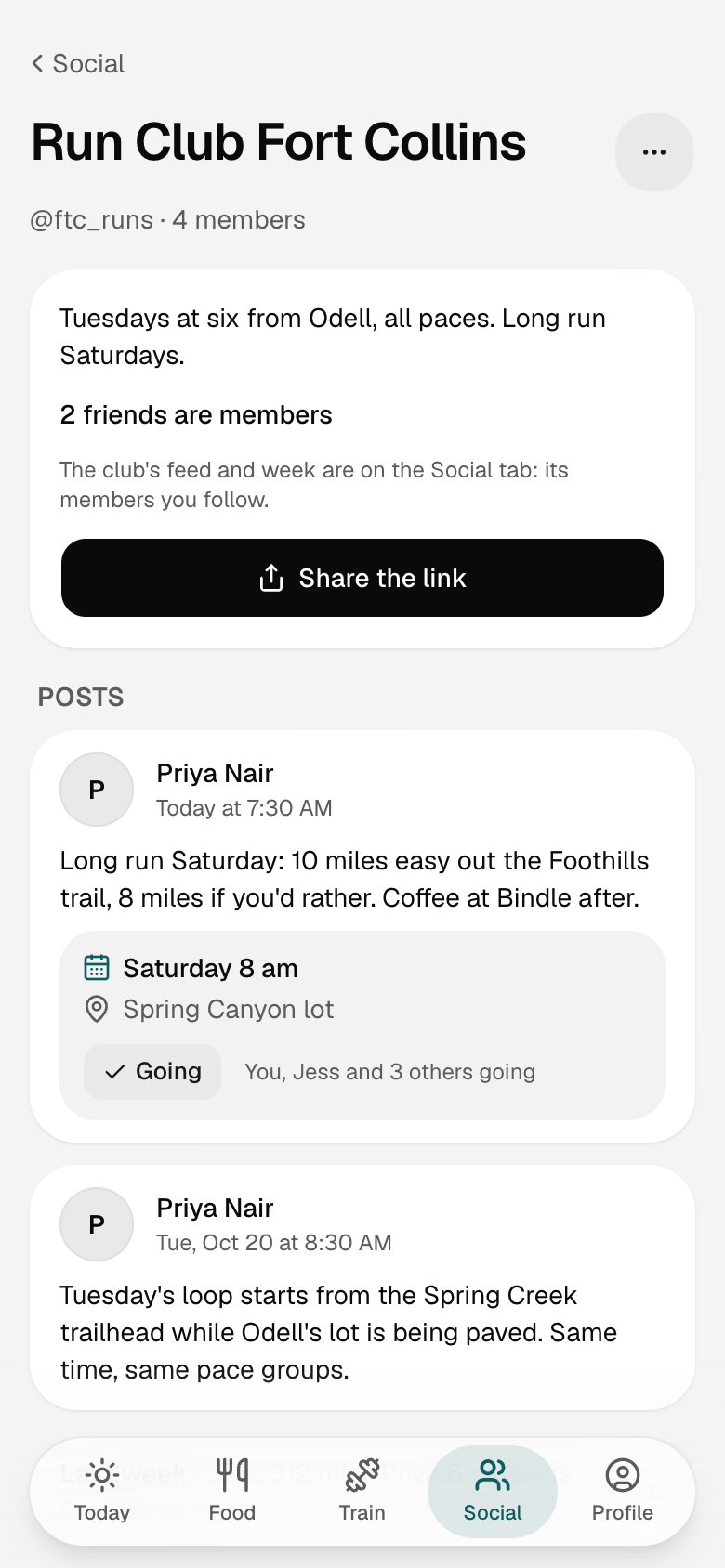
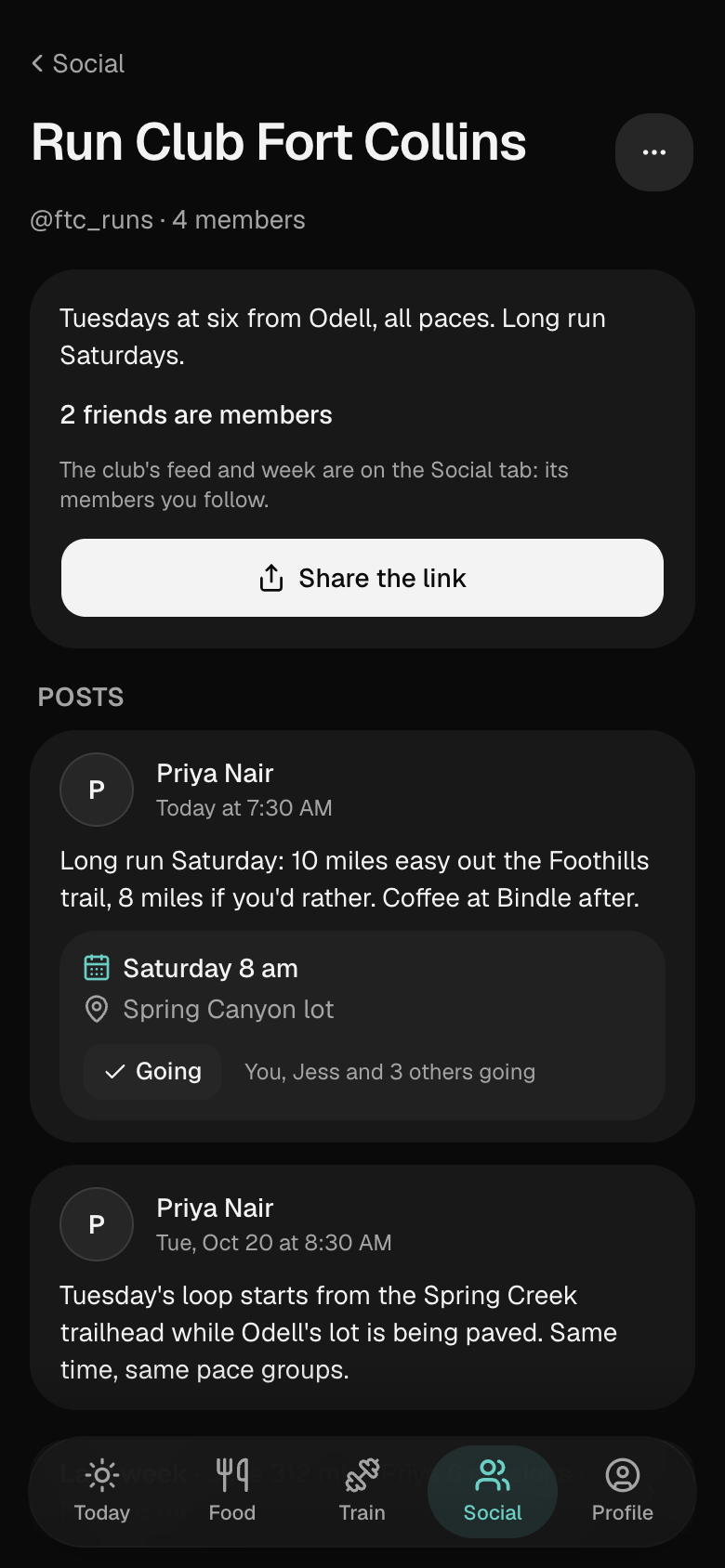
Clubs
Your running group, by a link.
Beacon · Pro
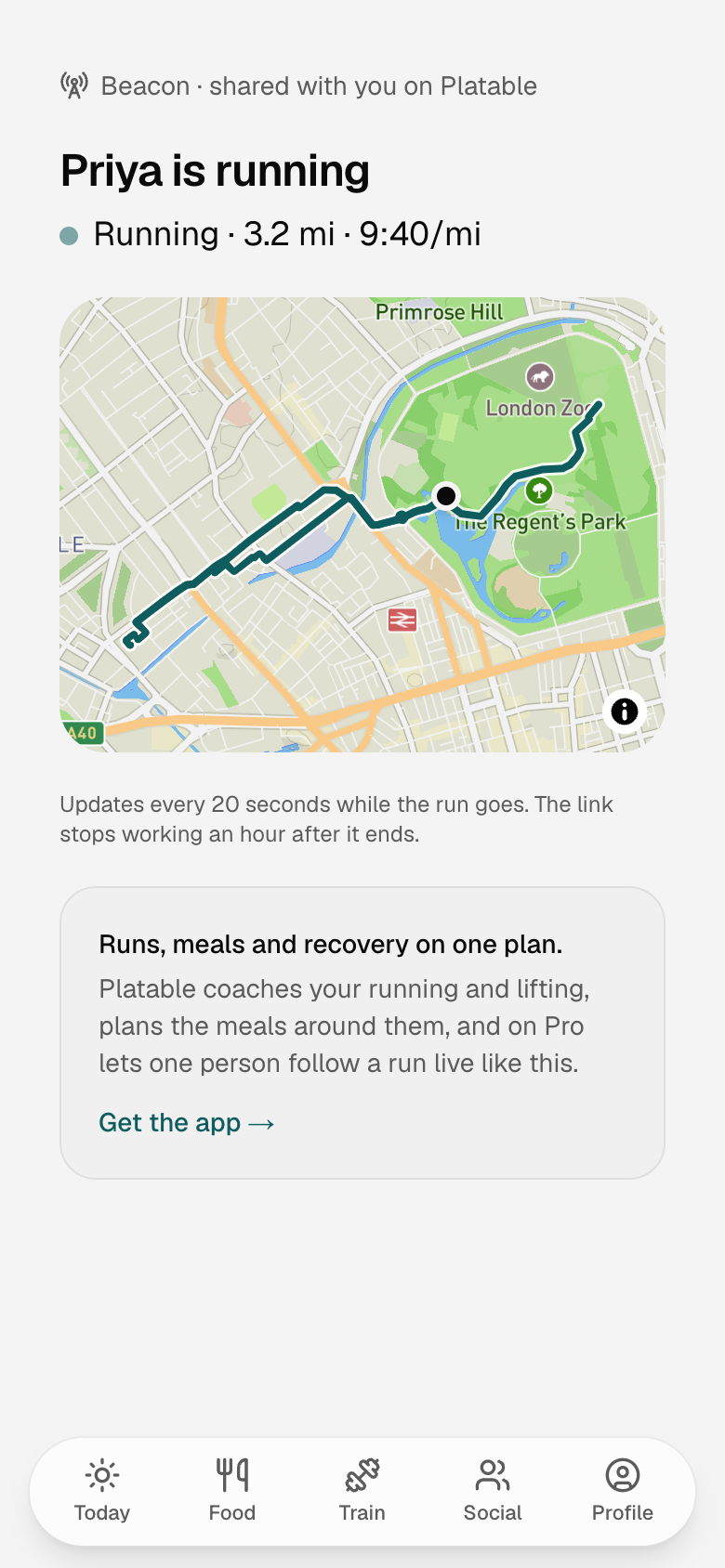
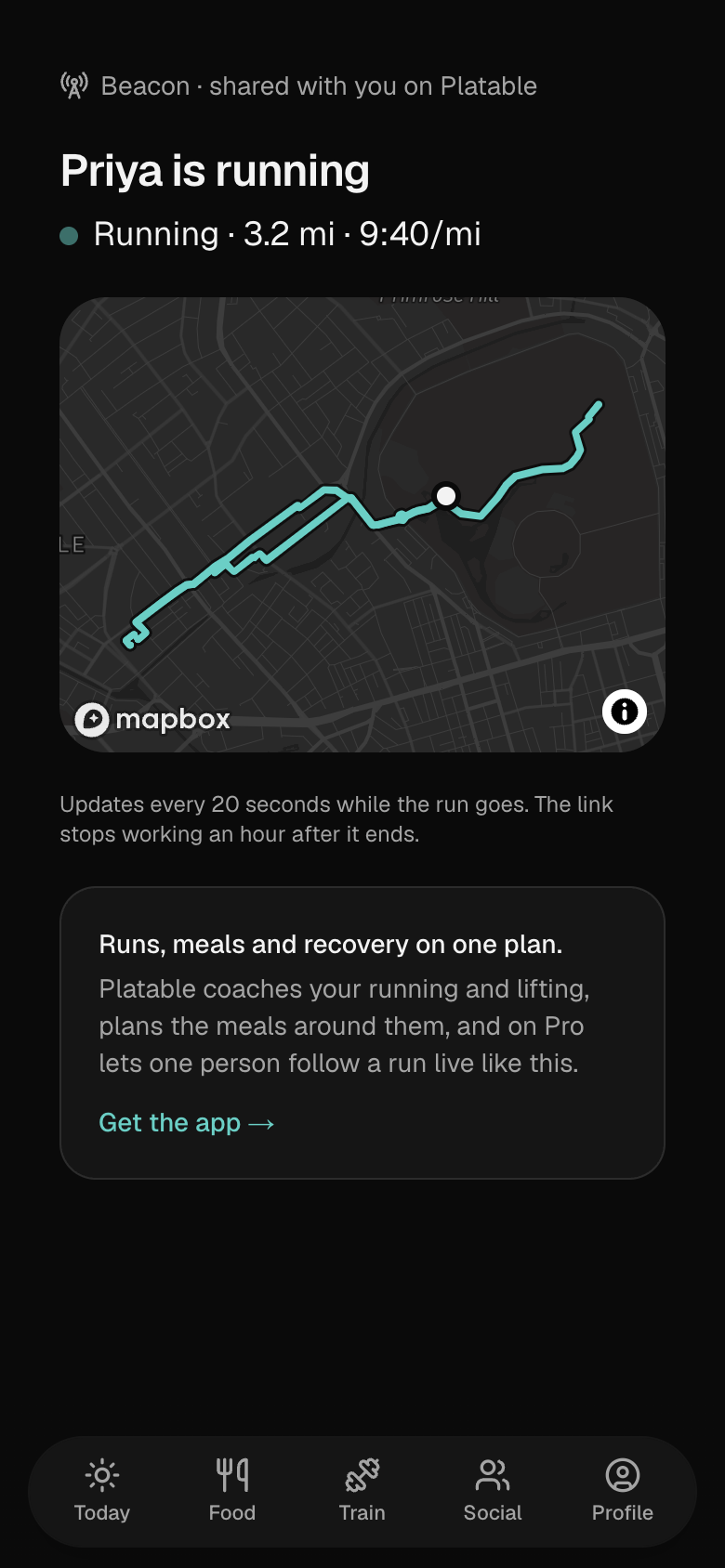
Your run, live, for one person.
Free and Pro
Free for as long as you use it.
The everyday is free. Pro is for coaching both disciplines at once and seeing everything the coach sees.
Free
$0, forever
- Calendar, meal logging with AI estimates, weight and the shopping list
- An adaptive strength program or a running plan (one at a time)
- Build your own workouts; run sessions with cues and GPS
- Streaks, daily goals, milestones and reminders
- 20 AI credits a month, 25 saved recipes, 30 days of progress
Pro 7-day free trial
$4.99 a month or $49.99 a year
- Lifting and running coached together, balanced around each other
- Coach insights: fitness trend, race projections, lift curves, recovery, weekly load, what you really burn
- Guided runs: the coach's voice over an easy run, a long run or a tempo
- Your whole progress history
- Unlimited AI credits and saved recipes
- Meals and training in Apple Calendar or Google Calendar, by a private link
- Beacon: share your live location on a run with one person, by a link that dies with the run
- 7-day free trial. Everything in Free stays free
Questions
Questions, answered.
Is Platable really free?
Yes. Meal logging, the calendar, the shopping list, run sessions, building your own workouts, streaks and reminders are free for as long as you use them, and so is a coach for one discipline: an adaptive strength program or a running plan. A free account also gets 20 AI credits a month, 25 saved recipes and the last 30 days of progress.
What does Pro add?
Pro coaches lifting and running together and balances them around each other. It shows what the coach sees (fitness trend, race projections, lift curves, your times on a course you repeat, muscle recovery, weekly load, patterns in your logs, and what you really burn from your own logs), adds guided runs, the calendar link and Beacon, keeps your whole progress history, and removes the AI credit and saved-recipe caps. It costs $4.99 a month or $49.99 a year, with a 7-day free trial for new subscribers.
What are AI credits?
Credits pay for the things AI writes for you. A recipe costs 1 credit, as does a recipe photo or importing a recipe from a link. A meal plan costs 1 credit per meal, a workout you describe in words costs 1 credit per session, shown before anything is generated, and a question to the coach costs 1 credit. Free accounts get 20 each calendar month. Pro has no monthly limit, only a fair-use ceiling of 200 a day that normal use never reaches. The strength coach, running plans, refining a recipe and logging a meal by describing it never use credits.
Does it work with Apple Watch and Strava?
On iPhone, Platable syncs with Apple Health. Workouts recorded on an Apple Watch, or in apps such as Strava that save to Apple Health, show up on the day they happened and can count as the session you had planned. A run with the Watch on shows its average and peak heart rate and a heart-rate chart, and its calories are the Watch's. Weigh-ins and daily steps come in too, and the meals, weigh-ins and workouts you log in Platable are saved back to Health. There is also a Platable app for your Apple Watch: start a run, walk, ride or lift from your wrist and it is saved to your iPhone with its route, splits and heart rate.
Can I bring my history from Strava, Hevy or Strong?
Yes. Import history, under Profile › More, reads Hevy's and Strong's export files and the activity files in a Strava archive. Workouts already in Platable or Apple Health are skipped, your records and trends are rebuilt, and Undo takes the whole import back out. Imported workouts aren't shared with your followers or written to Apple Health.
What does the coach see?
When you ask the coach a question, it gets your week as plain words and numbers: your plan and program, this week's sessions and your last few, your check-in, last night's sleep and readiness, your food targets and today's totals, your fitness, any pause, the training load and, on Pro, your strongest pattern. Never your name, email, routes, photos, private notes or anything from the network. A question costs 1 credit, and the coach only suggests: nothing on your plan changes until you tap it. The brief, the debrief and patterns don't use AI at all; they are rules over your own numbers.
Do I have to share what I eat?
No. Your meal log, targets and weight never go to the network. With a profile, marking a recipe cooked asks whether to post it to your followers; Share what I cook in Settings › Privacy can make that Always or Never, and the Feed's filter can leave food out of what you see.
What does Beacon share, and with whom?
Beacon is part of Pro and is off until you turn it on before a run. Then whoever has the link you send sees your first name, where you are and the route so far, updated about every 20 seconds, with no account and nothing else about you. Ending the run or Stop sharing deletes your position and route at once, and the link expires an hour later; it never lasts more than six hours. It isn't an emergency service.
What's in Download your data?
Download your data, in Settings › Account, makes one zip of your account: your profile and settings, every workout, each run's route as a GPX file, your meals, weigh-ins, water and measurements as spreadsheets, your recipes, your training plans, and your photos, newest first up to 200 MB. The link lasts a day, and you can make one a day.
Where can I use it?
In any browser at platable.io today. The iPhone app is on the way and an Android app is planned for later. One account, and one Pro subscription, will work everywhere.
Can I cancel Pro?
Any time, from wherever you subscribed: the App Store, or Billing on the web. You keep Pro until the end of the period you paid for, and everything in the free plan stays yours after that.
What happens to my data?
There are no ads and no analytics or advertising trackers in the app. Recipe and nutrition requests are sent to OpenAI without your name, email or account id: the text you typed, or the photo if you log a meal from one, which we don't keep. You can delete your account in Settings, which removes your logs, recipes, plans and training history. The privacy policy has the details.
Is this medical or dietary advice?
No. Calorie targets, nutrition figures and training plans are estimates to help you plan, not advice from a doctor or dietitian. Platable is for people 13 and older, with a parent's or guardian's permission under 18, and calorie targets are only set from 18.
Something else? support@platable.io
The iPhone app is on its way
Start in your browser today. Your account, your plans and your history will be there in the iPhone app when it lands. An Android app is planned for later.